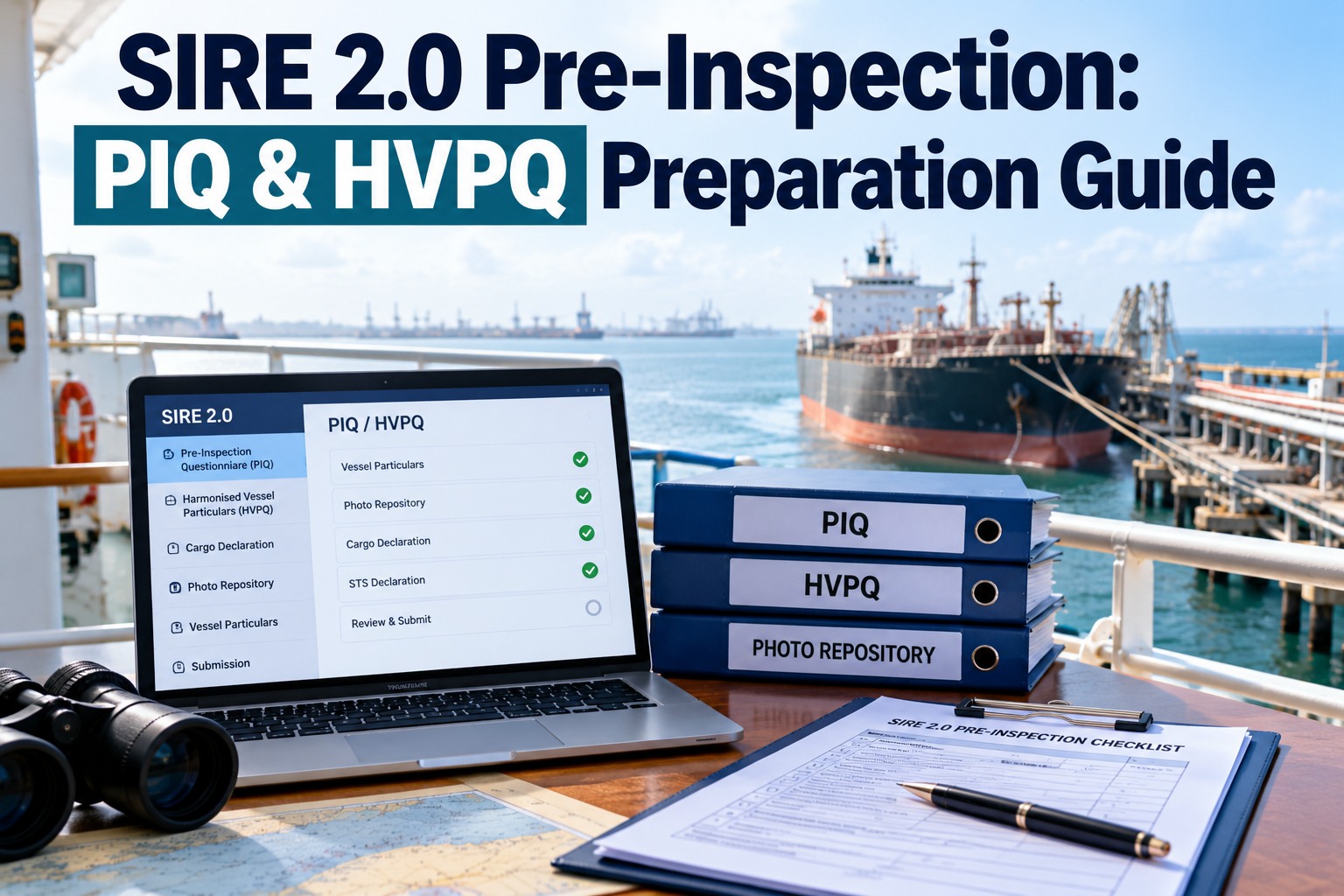
In SIRE 2.0, the inspection is shaped before the inspector boards. The HVPQ, the PIQ and the photograph repository feed the algorithm that compiles each ship’s bespoke questionnaire, and a wrong entry means wrong questions. This guide shows how pre-inspection data drives the CVIQ, how to keep photos current, and how to declare cargo and STS operations accurately. Book a demo to keep vetting data ready.
SIRE 2.0 PIQ and HVPQ: the data that decides your questions
Three inputs, one algorithm, one questionnaire built for your ship.
SIRE 2.0 pre-inspection data: what each part does
Under VIQ7 the vessel particulars stood mostly alone. SIRE 2.0 adds the PIQ and a photograph repository, and uses all three to compile the questionnaire. For the full inspection process, see our SIRE 2.0 inspection guide. Try the platform free.
Harmonised Vessel Particulars Questionnaire
Ship particulars, certificates, equipment and arrangements. Changes after dry dock, modifications or certificate renewals must be reflected.
Pre-Inspection Questionnaire
Operational information such as cargoes, operations and planned activities. Entries can switch conditional questions on or off.
Photograph repository
Standard photos to a defined list, which the inspector uses to verify condition and can include in the report. Commonly stated as no older than six months.
A ship needs a published HVPQ and PIQ, and a SIRE 2.0 photograph template, before an inspection can be requested.
How PIQ accuracy shapes your bespoke CVIQ
Each CVIQ combines core questions with rotational, campaign and conditional ones. Conditional questions depend partly on what the HVPQ and PIQ declare. The examples below show the link; they are illustrative, not the exact algorithm.
Photo repository currency: keep the set under six months old
Out-of-date photos weaken the inspector’s view of the ship before boarding and can contradict what they find. Plan photo rounds like any other maintenance task. The board below is illustrative.
Keep every photo and particular current
Schedule photo rounds, track ages, and check particulars against certificates, so the CVIQ is built on the ship as it really is.
Cargo and STS declarations in the SIRE 2.0 PIQ
Declarations should reflect the ship’s real and expected trade. Verification questions on board test what was declared, so honesty is also the safest choice.
HVPQ accuracy: cross-check particulars before submitting
Most HVPQ errors are stale data. Check each block against the source before each submission. Our SIRE 2.0 preparation checklist covers on-board readiness.
| HVPQ block | Check against | Typical error |
|---|---|---|
| Certificates | Latest originals on board | Old expiry dates after a renewal |
| Class and surveys | Class status report | Survey shown due that was already completed |
| Equipment | Equipment lists and drawings | Fitted or removed equipment not reflected |
| Management | DOC, SMC and company details | Old manager or contact details after a change |
| Modifications | Dry dock and yard reports | Upgrades not recorded after docking |
SIRE 2.0 pre-inspection timeline
Work backwards from the inspection date. For a fleet-wide view, see our fleet-wide SIRE 2.0 readiness guide.
Illustrative timing. Follow your company procedure and OCIMF’s current requirements.
PIQ and HVPQ preparation checklist
Run this before every SIRE 2.0 inspection request.
How Marine Inspection keeps SIRE 2.0 pre-inspection data ready
Marine Inspection keeps the records behind the HVPQ and PIQ current: certificates with expiry alerts, equipment changes, scheduled photo rounds with age tracking, and a pre-inspection review checklist. The panel below is illustrative.
SIRE 2.0 PIQ and HVPQ FAQs
What is the SIRE 2.0 PIQ?
The Pre-Inspection Questionnaire: operational information about the ship’s cargoes, operations and planned activities that helps compile its bespoke questionnaire.
What is the HVPQ?
The Harmonised Vessel Particulars Questionnaire, covering the ship’s particulars, certificates and equipment.
How old can SIRE 2.0 repository photos be?
Industry guidance commonly states no older than six months, taken to OCIMF’s defined list. Check OCIMF’s current instructions.
Does the PIQ change which questions are asked?
It can. Conditional questions depend partly on HVPQ and PIQ data, such as declared cargoes or expected STS operations.
What if PIQ data is wrong?
Relevant questions may be missed or unrelated ones added, and declarations are tested on board, so inaccuracies can surface as observations or later questions from charterers.
Can Marine Inspection track photo currency?
Yes. Book a demo to see photo rounds and pre-inspection data tracked per ship.
Right data in, right questions out
Current particulars, honest declarations and recent photos give the inspector an accurate ship before boarding.