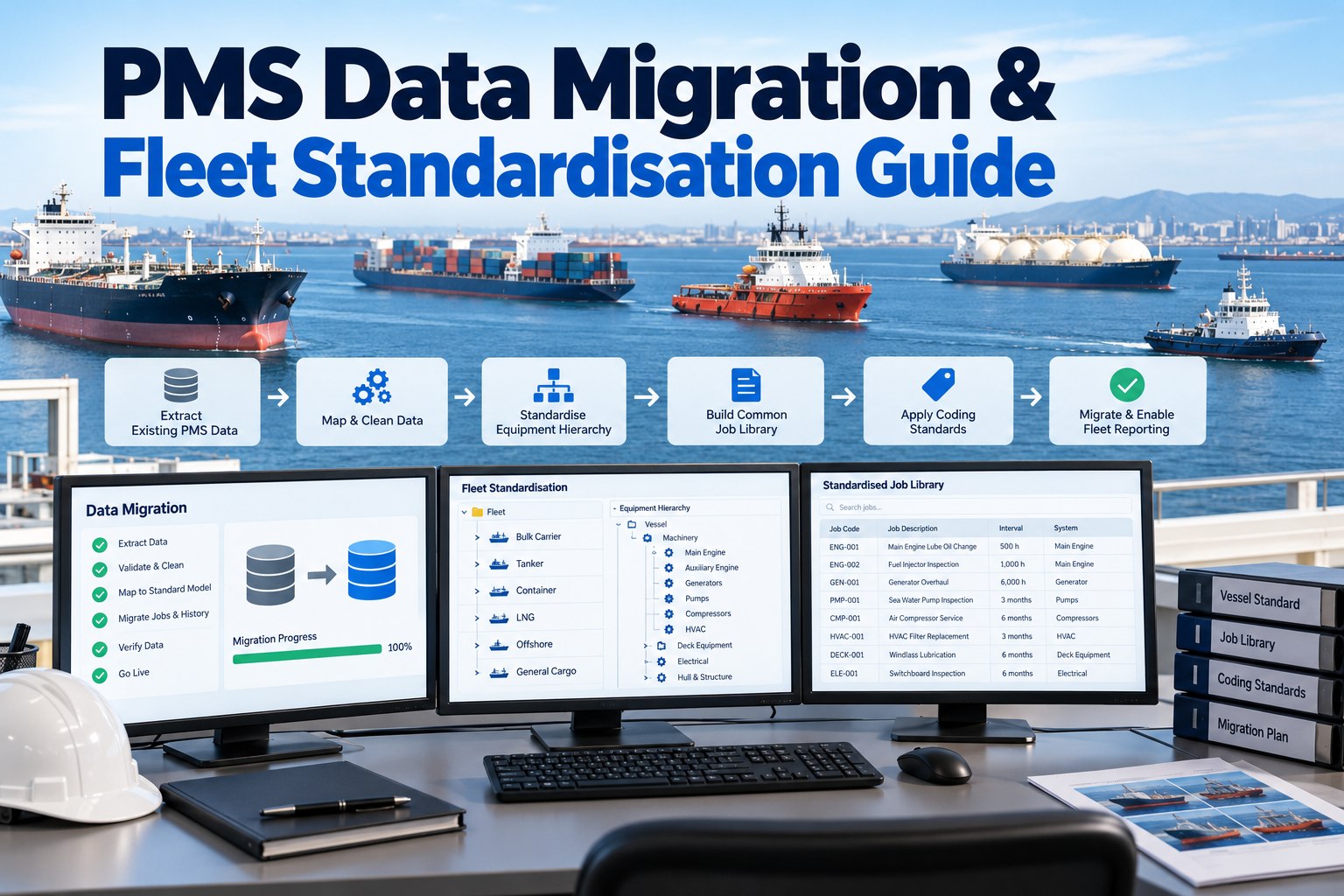
Ask five vessels in a mixed fleet what their main sea water pump is called and you may get five answers. That is harmless on one ship and fatal for fleet reporting. The aim of PMS standardisation is simple: the same machine, the same code and the same job rules on every vessel, with differences that are deliberate and visible. This guide shows a Fleet Manager how to design that standard for tankers, bulkers, ferries and small vessels together, and how to migrate into it without losing history the class society cares about. For the system-switch side of the project, see our guide to migrating from AMOS to a cloud planned maintenance system.
Why a Mixed Fleet Needs One PMS Standard Before It Needs a New System
What breaks in fleet reporting when every vessel names and codes things differently
Fleet reports add up numbers from many vessels. If one ship calls a job lubrication and another calls it servicing, or one lists a pump as equipment while another lists it as a component, any KPI built on them compares labels instead of machinery. A vendor guide to PMS data migration from BASS lists the same pitfalls: inconsistent equipment naming across fleets, outdated or duplicate records, missing job histories and incomplete maintenance hierarchies. It is a vendor page, so treat its claims about its own service as marketing. The pitfalls themselves match what we see.
| Vessel | Name in the old PMS | Name in the standard | What the mapping rule says |
|---|---|---|---|
| Vessel A (tanker) | No.1 SW COOL PUMP | Sea water cooling pump 1 | Standard name from the common core, number as a suffix |
| Vessel B (bulker) | S/W cooling pp STBD | Sea water cooling pump 1 | Side words mapped to a number only where the standard allows |
| Vessel C (ferry) | SWCP-1 | Sea water cooling pump 1 | Abbreviation expanded and checked on board |
| Vessel D (small vessel) | Cooling pump (sea) | Sea water cooling pump 1 | Generic name matched using maker and model |
How a common core plus vessel-type modules handles tankers, bulkers, ferries and small craft
A mixed fleet does not need identical hierarchies. It needs identical rules. The design below puts everything common, such as propulsion, electrical, safety and navigation, in one core with shared codes and names. Ship types then add modules for their own systems. The module names are examples, and the small vessel module shows that a reduced set can still follow the same coding rules.
Equipment Hierarchies and Coding Standards: SFI, ISO 14224 or Your Own
What a coding standard does and which options the sources describe
SFI is described in a paper by T. Urke, of the Ship Research Institute of Norway, as a multi-purpose decimal coding system in which equipment, systems and machinery are given group numbers according to their purpose or function. It was intended for use within and between companies, including for maintenance. We could not see its group structure in the sources we read, so confirm the current version before adopting it. Our own AMOS migration article advises adopting an industry classification such as SFI for the equipment hierarchy. ISO 14224 is another model, covered next.
How ISO 14224's nine levels can inform a ship hierarchy
A CPCON summary lists the ISO 14224 taxonomy as nine levels, from industry and business category through installation, plant or unit, system, equipment unit, subunit and maintainable item down to part. It adds that the standard was developed for the petroleum, petrochemical and natural gas industries and is used as a model elsewhere. The table below is our mapping of those levels to a ship. It is a pattern to borrow, and you should check the standard before making any conformity claim.
Building a Job Library That Works Across Different Ship Types
Why a fleet master job with type templates and visible overrides keeps differences deliberate
Standardising jobs does not mean forcing the same interval on every vessel. Maker manuals, class and the company's safety management system decide intervals. What a standard gives you is one master job per task and equipment class, adjusted by ship type where the trade demands it, with any vessel-specific override recorded and approved. The diagram shows our design concept.
Which fields to map for each object before any data moves
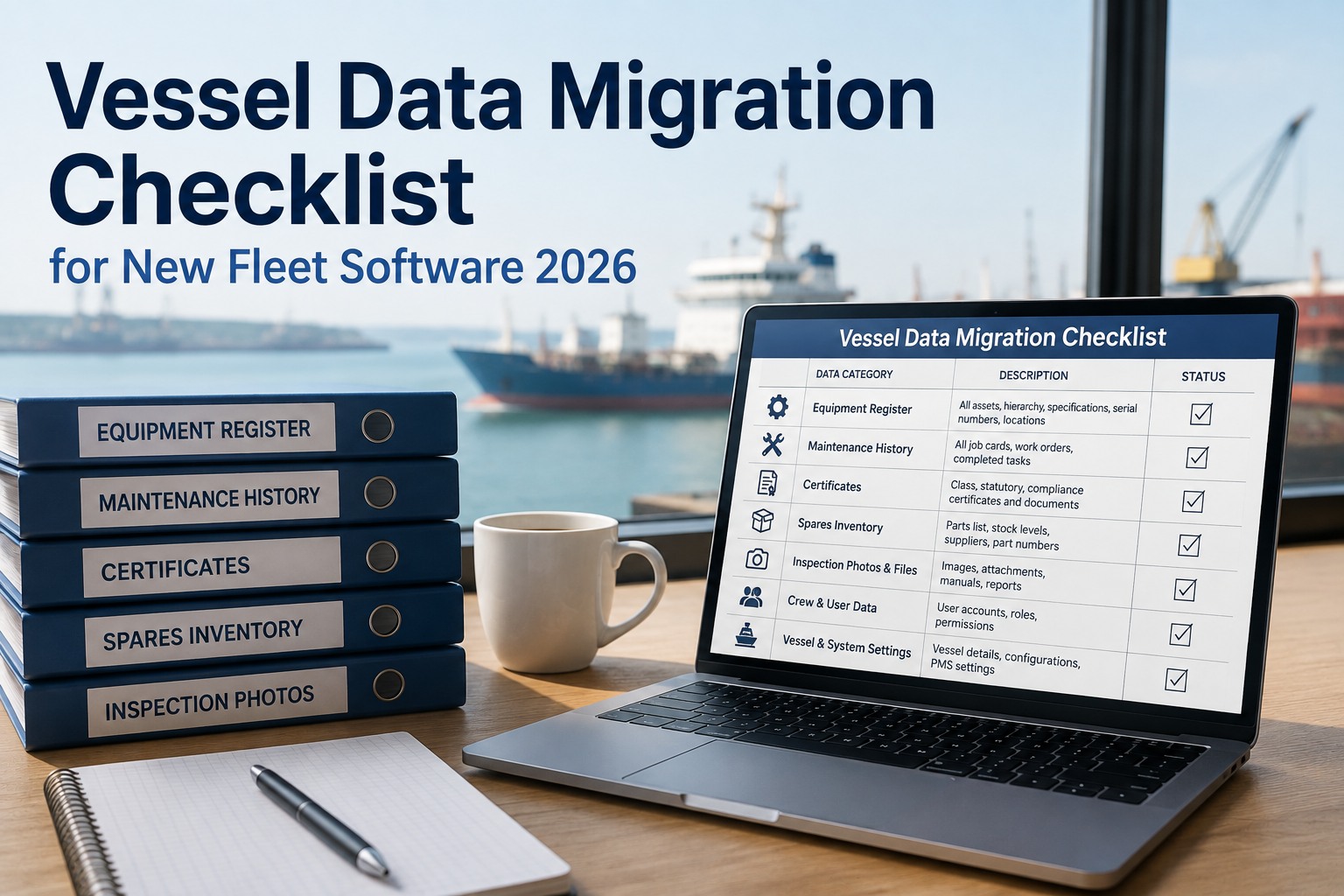
Before extracting anything, write a mapping sheet that says what each source field becomes. The sheet below lists the objects our migration article treats as in scope, plus the rules to write down. Agree it with the superintendents and the class society before the pilot.
| Object | Fields to map | Rule to write down | Source status |
|---|---|---|---|
| Equipment register | Code, name, parent, type, maker, model, serial | One coding system and one naming rule for all vessels | Our suggestion |
| Job templates | Job code, title, interval, counter, acceptance criteria | Fleet master job code, with type and vessel overrides | Our suggestion |
| Maintenance history | Completion date, person, notes, attachments | How much history to bring and what counts as class-relevant | MI migration article |
| Running hours | Counter value and date | Reconcile to the machine on board at cutover | MI migration article |
| Spares | Part, quantity, link to equipment | Duplicates merged, links checked | MI migration article |
| Open defects and deferrals | Status, reason, approver | All carried over with the reason intact | MI migration article |
Migrating Without Losing Class-Relevant History or the Open Position
What to bring, what to archive and why the pilot should be a hard vessel
Our migration article recommends bringing the full equipment register, current job definitions, history covering at least the current class survey cycle, current counters, live spares positions, open defects and deferrals, and certificates in force. It suggests leaving very old or dormant records in a read-only archive with a named person able to query it. For the pilot, it recommends a difficult vessel with crews briefly using both systems, so mapping problems surface early.
- Full equipment register
- Current job definitions
- History for the current class survey cycle, ideally the previous one too
- Current counters and running hours
- Live spares positions
- Open defects and deferrals
- Certificates in force
- Very old completions with no detail
- Equipment from past conversions
- Dormant job templates
- Duplicate parts
- Superseded attachments
- Old users and workflows, which get rebuilt
A phased sequence that cuts over vessel by vessel
The sequence below follows our migration article with the standard-design step made explicit. Cutover is per vessel, timed to docking, crew change or a quiet period, with the outstanding position documented and checked at each switch. Neither the vendor page nor our article gives fixed timelines, and we do not invent any.
The PMS Standardisation and Migration Readiness Checklist
A checklist with a checkpoint type on each item for the Fleet Manager and the superintendents
Use the table to confirm the standard exists on paper before the first record moves, that the source data has been audited and that cutover can be reconciled. Adapt it to your fleet and class requirements.
| Item | What to check | Checkpoint type |
|---|---|---|
| Coding standard | One coding system chosen and documented, such as SFI or your own | Record |
| Equipment hierarchy | Core structure plus type modules agreed and approved | Record |
| Naming rules | Written rules, with examples, applied the same way on every vessel | Record |
| Job library | Fleet master jobs with intervals traced to makers, class and SMS | Record |
| Source data audit | Duplicates, gaps and obsolete records counted before mapping | Test |
| Class society informed | Class told of the change and the approach agreed | Record |
| Pilot vessel result | Pilot data checked against the machinery on board | Visual |
| Cutover reconciliation | Outstanding position matched before and after the switch | Test |
Mistakes That Turn a Standardisation Project Into a Second Mess
Six habits that leave the new system as inconsistent as the old one
Systems That Keep a Standardised Fleet Standard After Go-Live
How a dated photo repository, task ownership and deadlines support the migration and what follows
Standardisation is not finished at go-live. Marine Inspection supports a dated photo repository, observations turned into tasks with owners, deadlines and evidence, and certificate and equipment tracking. During migration, dated photos of nameplates and machinery can confirm the register against what is on board, and tasks with owners can chase mapping gaps vessel by vessel. After go-live, the same structure keeps new equipment coded the same way. For the wider design of the system itself, see our {L2}.