Most fleets that move from paper to a digital PMS do not fail because of the software. They fail because they copy the binder errors into the new system, code equipment three different ways, train the crew once and leave, and switch every ship over at the same time. The result is a system that looks modern and that nobody trusts. This roadmap is for technical superintendents running the transition. It covers data migration, equipment coding, crew training, class approval and a rollout sequence that wins buy-in vessel by vessel. Book a demo to see how a digital PMS rollout looks in Marine Inspection.
PMS implementation roadmap: from paper binders to a digital system the crew actually uses
Why PMS implementation stalls: four paper-to-digital traps
The same four traps show up again and again. Each one has a simple fix if you plan for it before go-live.
Copying the binder as it is
Wrong intervals, retired equipment and missing running hours all move across, now looking official.
Verify the equipment list on board before migrating anything.
Every ship codes its own way
Fleet reports become impossible, and spares cannot be shared across sister ships.
One coding standard and naming rule for the whole fleet, set before any data entry.
Training once, then leaving
Crews rotate. Within a contract or two, nobody on board has seen the original training.
Role-based training, built into handover and joining routines.
Big-bang go-live
Every ship switches over at once, the office cannot support them all and paper creeps back.
A pilot vessel first, then waves, carrying each lesson forward.
PMS implementation roadmap: six phases at a glance
The timeline below is illustrative for one pilot vessel. Real durations depend on fleet size, data quality and how much of the work happens in a yard period.
Illustrative only. Phases overlap on purpose: training starts while the data is still being checked.
PMS data migration: what to move, clean or leave behind
Not everything in the binders deserves a place in the new system. Sort it first. A recent fleet migration reported in a vendor case study moved equipment trees, hour counters, maintenance tasks and history, inventory, purchase orders and documents. It also found that hour counters were organised differently in the two systems and had to be restructured early.
Move
- Verified equipment list with makers and models
- Running hours from the latest readings
- Last-done dates for every task
- Class and statutory items with due dates
Clean first
- Task intervals: check against maker manuals
- Spares lists and part numbers
- Duplicate or merged equipment
- Free-text history worth keeping
Archive, do not migrate
- Equipment removed from the ship
- Superseded procedures
- Old history with no decision value
- Scanned copies kept for reference only
PMS equipment coding: building one hierarchy for the fleet
Coding is the skeleton of the PMS. Many fleets use the SFI group system, which arranges a ship into main groups and then narrower levels down to the component. Class requires it too: IACS UR Z20 lists a machinery identification procedure among the documents submitted for PMS approval.
Start the pilot vessel this month, not next year
Import your equipment list, set the fleet coding rule once and get the first ship running on a digital PMS.
PMS training: what each role needs to learn
One training session for everyone wastes the senior officers’ time and loses the juniors. Train by what each role actually does in the system.
Chief engineer
Approves and closes jobs, manages intervals, owns PMS records. Under UR Z20, the chief engineer is responsible for the PMS on board.
Second engineer
Plans the week, records work and running hours, raises defects. The heaviest daily user.
Junior engineers and ETO
Find their jobs, record what they did, attach photos and readings.
Master and deck officers
Deck machinery, lifesaving and fire equipment jobs, and the overview for audits.
Superintendent
Fleet overview, overdue jobs, deferrals, class items and evidence before surveys.
PMS rollout sequence: pilot, then waves
A pilot vessel turns problems into lessons before they reach the whole fleet. In the same vendor case study, the second vessel converted faster than the first because the team applied what they had learned. Downtime came to 4 days against an expected 10.
One ship with a willing chief engineer. Fix the coding, the templates and the training here.
Sister ships of the pilot. They reuse its equipment tree and tasks.
The rest of the fleet, timed around yard periods and crew changes.
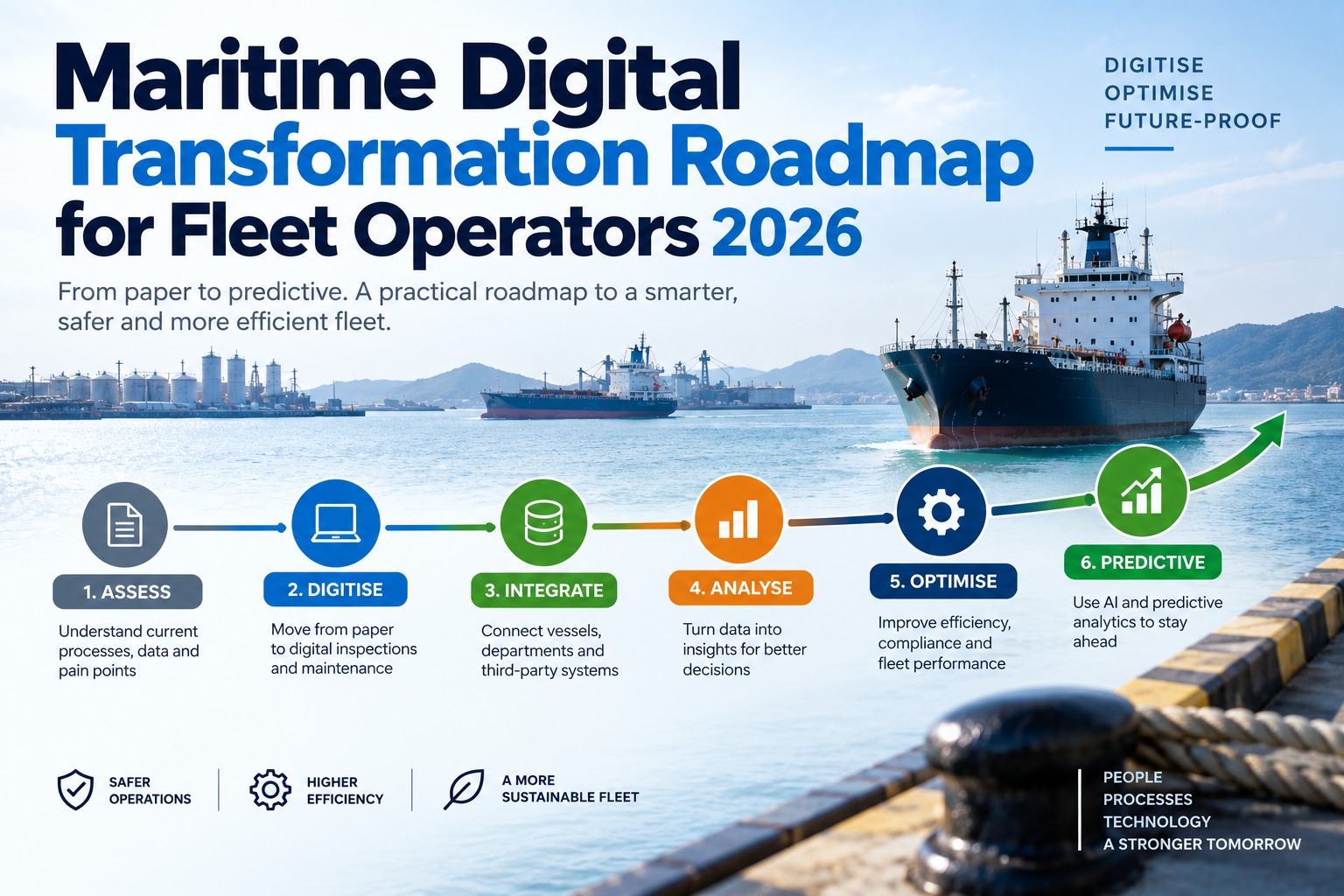
For the bigger picture of fleet digitalisation, see our maritime digital transformation roadmap.
PMS class approval when you go digital
A PMS approved by class can replace continuous machinery survey. IACS UR Z20 sets the common rules. Bureau Veritas, for example, approves the owner’s computerised maintenance system, carries out the initial PMS survey and then audits the records. For how leading operators structure their schemes, see our ship PMS IMO and global best practices guide.
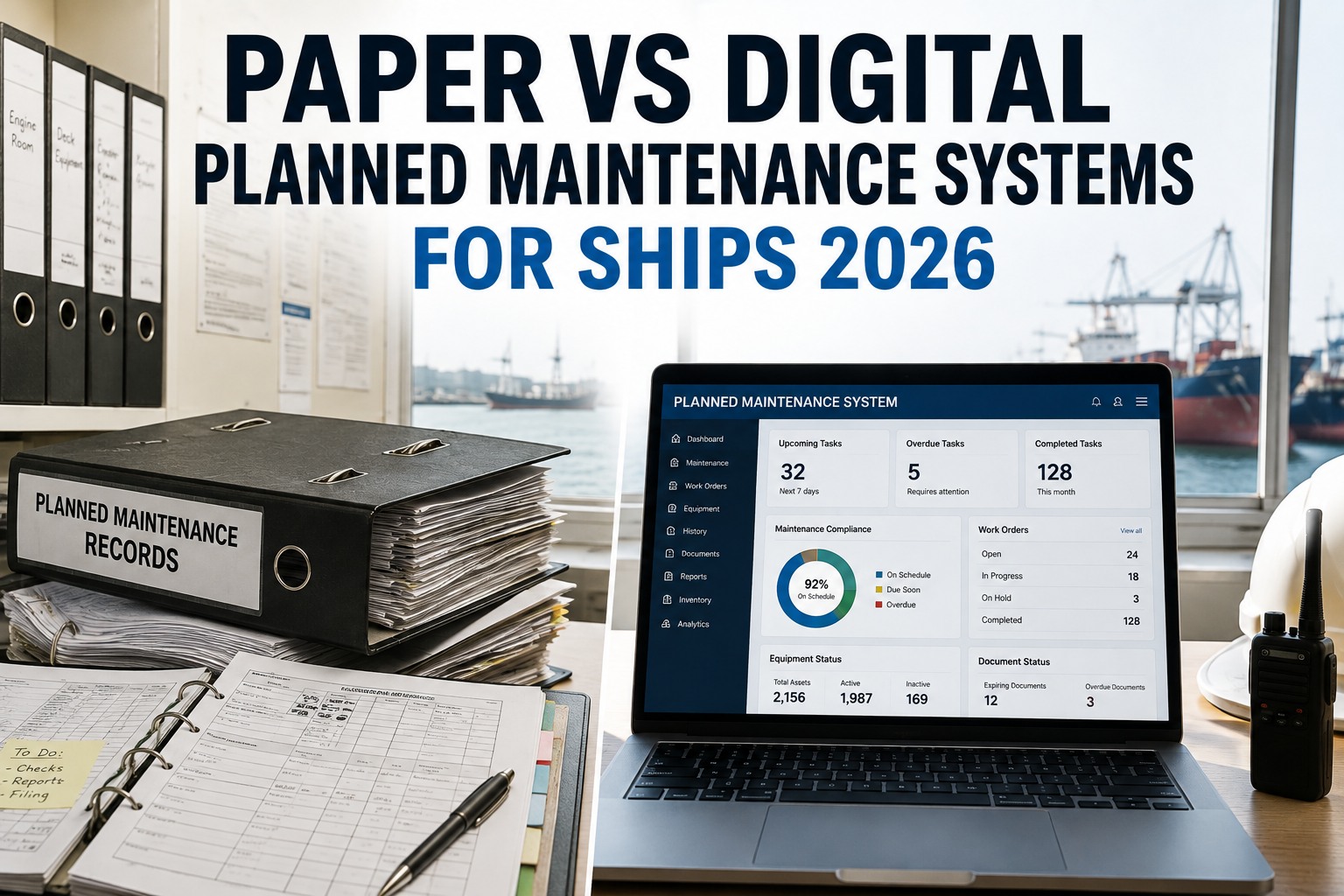
For what the PMS itself must contain, see our planned maintenance system guide.
PMS go-live checklist
How Marine Inspection supports PMS implementation
Marine Inspection gives the superintendent one view of the rollout across the fleet: how much of each ship is coded, how much history has moved across and who has been trained. Once a ship goes live, the same system runs its planned maintenance day to day. The progress board below is illustrative.
PMS implementation: frequently asked questions
How long does a PMS implementation take?
Should we run paper and digital PMS in parallel?
Do we need SFI coding?
Does moving to a new PMS affect class approval?
How do we get the crew to use the new PMS?
From binders to one fleet system, one vessel at a time
Pilot on one ship, reuse the tree on its sisters and give every superintendent a live view of the rollout.