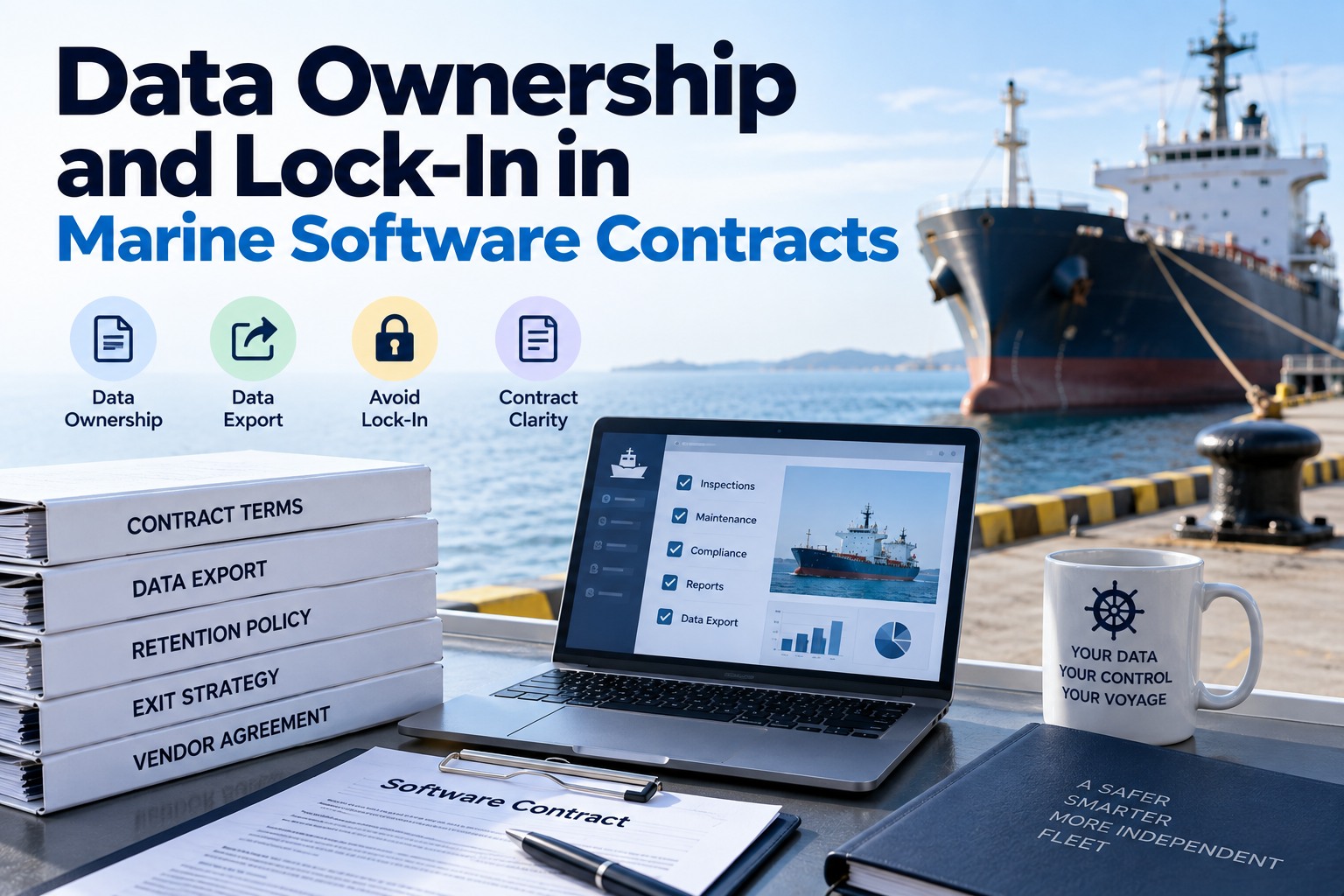
Every inspection, work order and record book entry your crews enter becomes evidence you may need years later: for a class survey, a PSC detention appeal, a charterer's claim or a pollution investigation. That evidence lives on your vendor's servers, and the contract decides whether you can take it with you. Most owners read the price and the service levels closely and skim the clauses on data, termination and export. Those are the clauses that decide what leaving costs. Lock-in rarely looks like a trap when you sign. It looks like a proprietary export format, a retrieval window shorter than your MARPOL retention period, or a fee that only appears when you give notice. This guide shows what "your data" should cover, the lock-in patterns to spot, the clauses to insist on, and how new EU rules have changed the baseline since September 2025. If you are comparing platforms, book a demo and ask every vendor, including us, to show a full export before you sign.
The clauses that matter most sit near the back of the contract. Here is how three of them read when they protect you, and when they do not.
What "your data" should actually cover
Many contracts say you own "customer data" and stop there. Ask what that term includes. Records without their photos, audit history and configuration are hard to rebuild and weak as evidence. Each ring below needs to be named in the contract, and our vessel data migration checklist covers the same layers from the migration side.
Five lock-in patterns to spot
None of these is illegal, and some are common. Each makes leaving slower or more expensive, and each is easier to change before signature than at renewal.
The clause library: never sign, negotiate, accept
Use this as a checklist when the draft contract arrives. The right-hand column is what a fair vendor should agree to without much argument. Collect these terms from every bidder in the same format with our RFP template.
| Topic | Never sign | Negotiate from | Accept |
|---|---|---|---|
| Ownership | Vendor owns, or may reuse, your data | Ownership stated, but "data" left undefined | You own all four layers, defined in the contract |
| Export format | Proprietary format only | CSV without attachments | Open formats with media and a field dictionary |
| When you can export | Only at termination | On request, with notice | Any time, self-service |
| Retrieval window | Access ends on termination day | 30 days | Read-only access through your next survey or audit |
| Exit fees | Priced after notice is given | Fixed fee stated up front | No charge for the standard export |
| Deletion | No commitment | Deleted "in due course" | Written confirmation within a stated time |
| Term and renewal | Multi-year auto-renewal, uncapped price | Auto-renewal with a price cap | Annual or monthly terms, notice of changes |
What the EU Data Act changed in 2025
If your contracting entity is in the EU, cloud and SaaS contracts now carry statutory switching rights. They apply alongside the contract, not instead of it, so still negotiate the terms above. The rules became applicable on 12 September 2025, including for contracts already in place.
Summary for orientation only, not legal advice. Check which entity signs the contract and take advice on how the rules apply to your agreement.
Line up the retrieval window with your retention duties
The contract's retrieval window and your regulatory retention periods are separate clocks. If access ends before your records stop being needed, you depend on the quality of a one-time export. Set these against the time you will have access after leaving.
Retention periods run from the last entry in each record book. The class cycle bar shows how far back a surveyor may look at maintenance history. Keep a complete export, and ideally read-only access, for at least as long as the longest period that applies to you.
Test the exit before you sign
A clause is only as good as the export behind it. Before signature, ask for a full export of a trial vessel and try to open it with ordinary tools. This fits naturally into a free trial or a single-vessel pilot.
Frequently asked questions
Marine Inspection runs on monthly or annual subscriptions with no setup fees. Ask us to show the export in a demo, or test it yourself during a free trial.