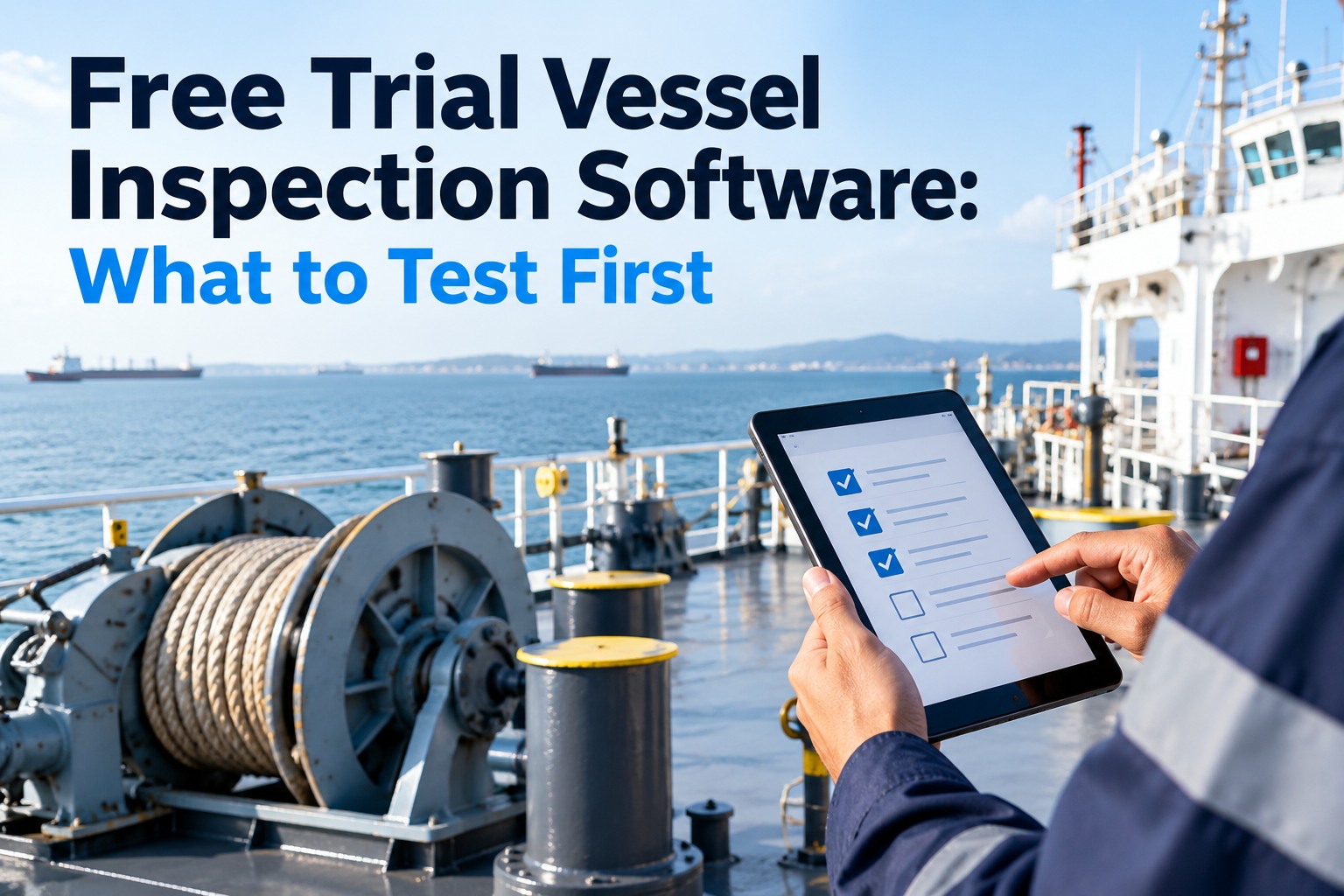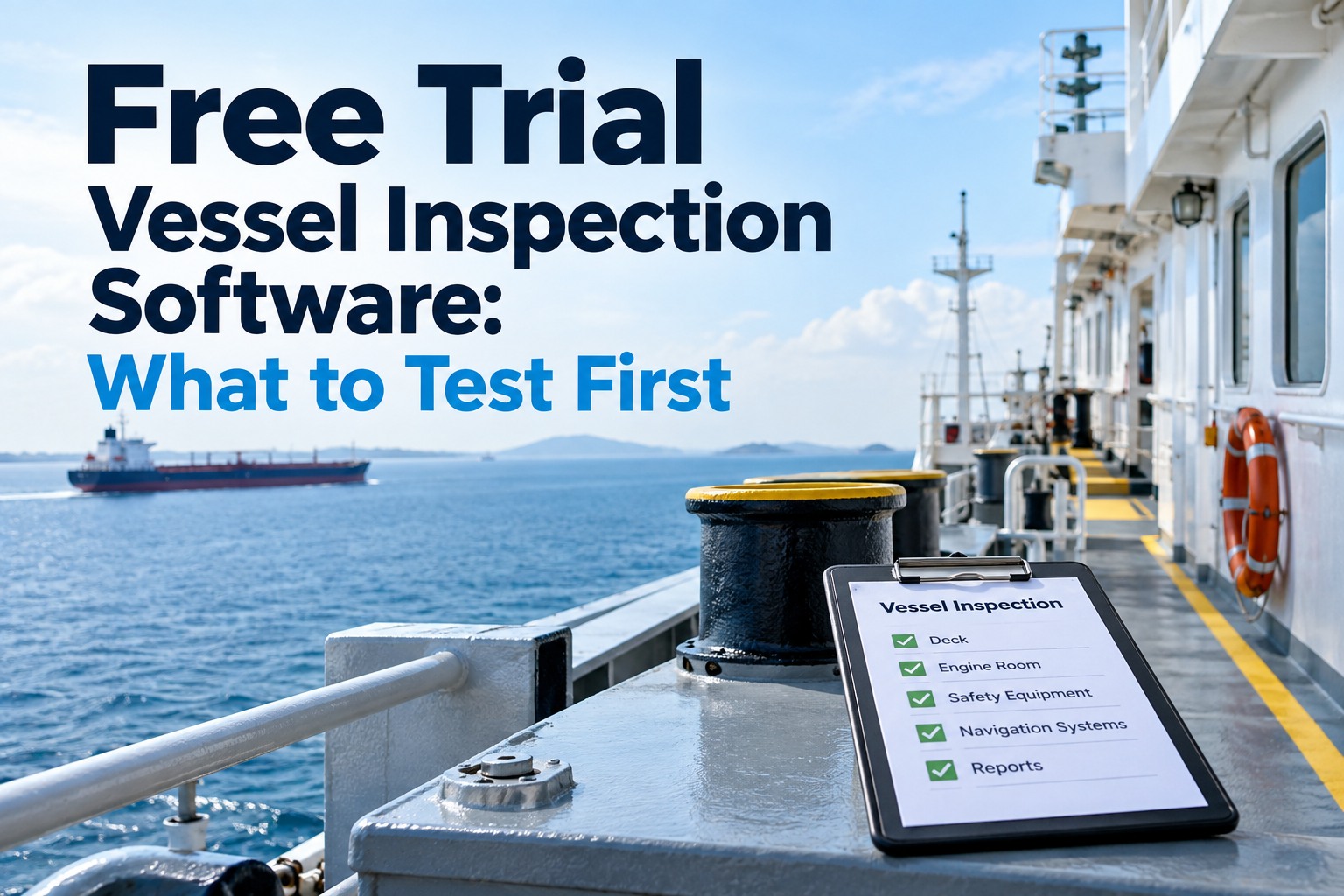
A free trial is the cheapest evaluation you will ever run, and the easiest to waste. Most trials go the same way: someone in the office signs up, clicks through the sample data, builds one checklist, gets pulled into other work, and the trial expires before anyone on a ship has touched it. The decision then goes back to the brochure and the demo. Fourteen days is enough to learn what matters, as long as you test on a real vessel, with real crew, in the conditions where software usually fails. That means no signal in the engine room, a surveyor who wants a report without logging in, officers with different permissions, and a crew with no shore team standing behind them. This guide sets out what to test first, in what order, and how to decide at the end. Marine Inspection's trial runs for 14 days with full access to every feature, so you can start your free trial and follow the plan below day by day.
Skip the sample data. Put the app in the hands of the people who will use it at sea, and test the four things a demo cannot prove.
Have these ready before you sign up
A trial clock starts at sign-up, so spend half an hour preparing first. Clear objectives and the right people in the trial matter more than which features you click on. If you have not yet spoken to vendors, our 20 demo call questions are a useful first filter.
- A master or chief officer on a vessel that will be in port or on a short passage
- A chief engineer for the maintenance side
- A superintendent who will review from shore
- Two checklists you actually use, such as a weekly safety round and a PSC pre-arrival check
- The vessel's equipment list or main machinery list
- One recent inspection report, to compare the output against
- Offline inspection syncs with original timestamps
- Report readable without a login
- Each role sees only what it should
- Crew complete inspections without prompting
The 14-day test plan
Each day has one job, and the hardest tests come early while there is still time to repeat them. The colours group the days into five phases. If a vessel's schedule slips, move the whole block rather than skipping a phase.
The four tests that matter most
Everything else in a trial is nice to know. These four decide whether the software will work on your ships. Run them as written and record the result, not an impression.
- Put a crew phone or tablet in airplane mode.
- Complete a real checklist in the engine room or a cargo space, with at least ten photos, a signature and one defect.
- Leave the device offline for several hours, then reconnect.
- From shore, check every item, photo and timestamp.
- Generate the PDF report on board, while still offline.
- Send it to the superintendent and compare it with your current report.
- Check the photos, signature, vessel details and finding numbers.
- Ask whether a surveyor or charterer could use it as it is.
- Create users for the master, chief engineer, a junior officer, the superintendent and one outside inspector.
- Log in as each one in turn.
- Try to edit a closed record, approve your own deferral, and open another vessel.
- Check what the audit history shows afterwards.
- After the briefing, stop prompting the crew.
- Count the inspections completed without help over three days, and by how many different people.
- Ask three crew members for one thing they would change.
- Compare the time per inspection with your paper or current system.
What a healthy trial looks like
Usage over the fourteen days tells you more than any feature list. In a healthy trial, activity climbs through the setup and testing days and holds up once the shore team steps back on day 11. In a stalled trial it peaks during setup and fades once the novelty wears off.
Illustrative example, not customer data. The shaded area marks days 11 to 13, when the shore team stops prompting the crew.
How trials get wasted, and the fix
Each of these turns a fourteen-day evaluation into a two-day click-through. They are easy to avoid if you know them in advance.
Close the trial with a decision sheet
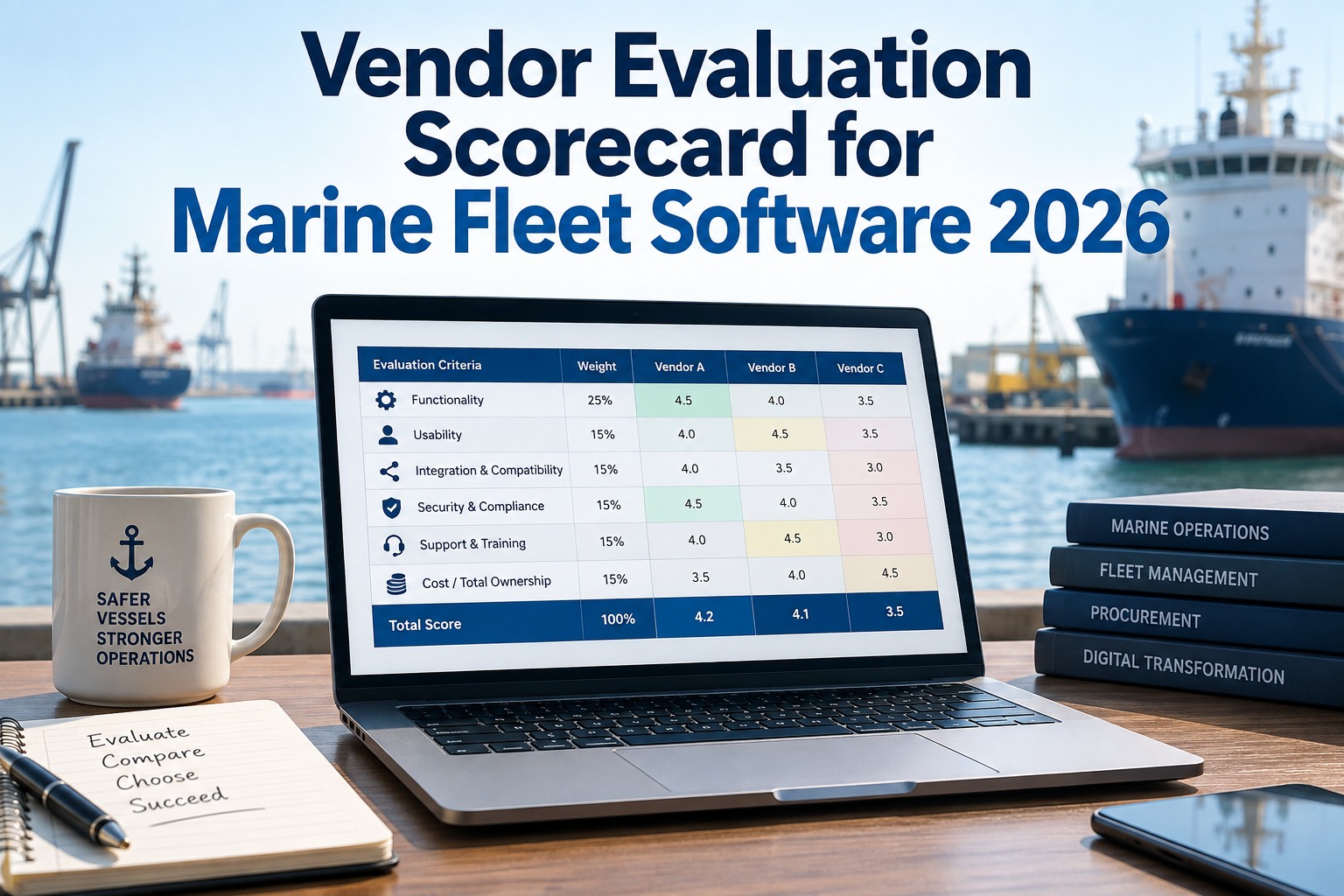
A trial should end in a decision, not a feeling. Record each test result, the evidence behind it and what happens next. Here is a completed example. For comparing several platforms, carry these results into our vendor evaluation scorecard.
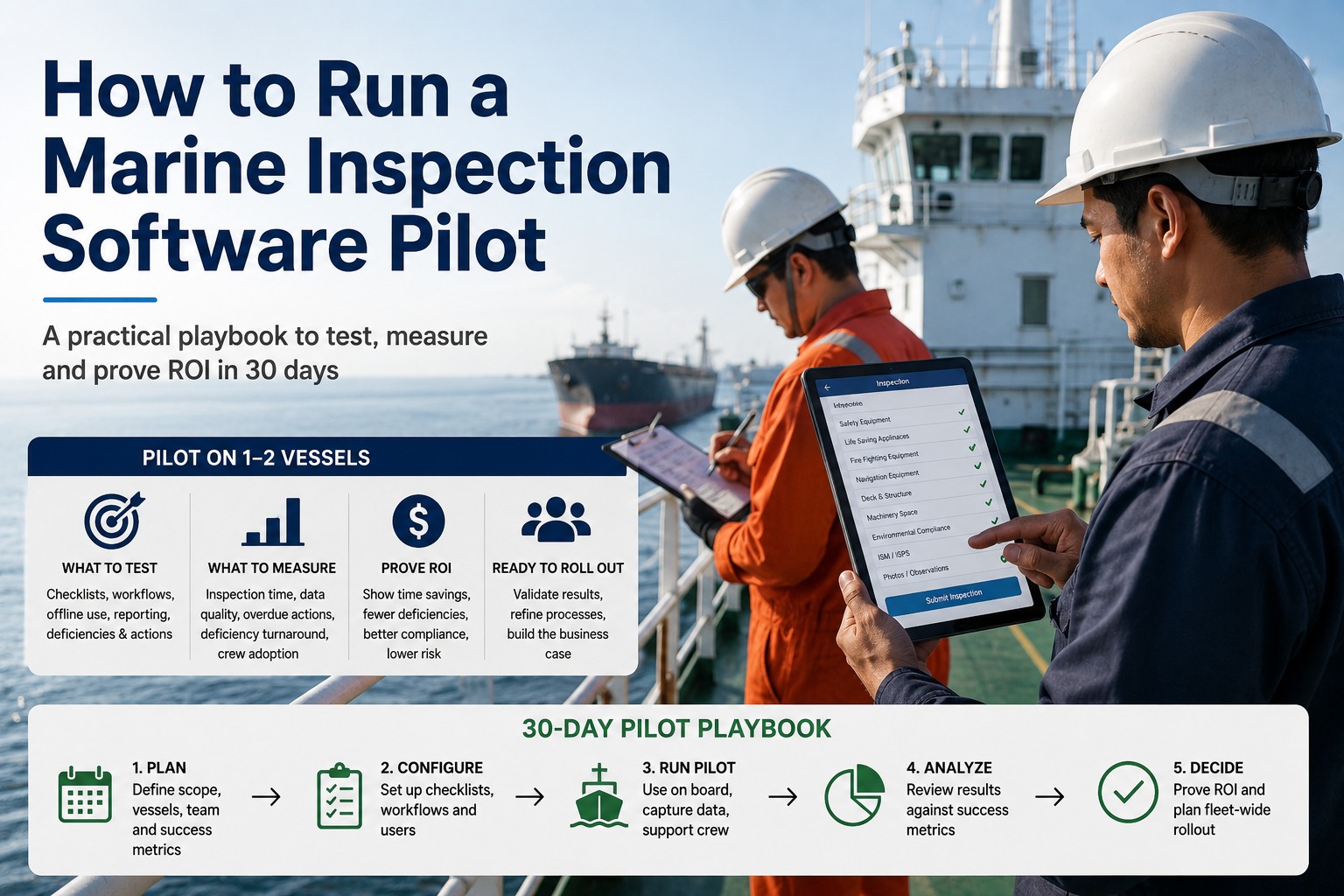
A trial proves the software works on one ship. A pilot proves it works in your operation. Our single-vessel pilot guide covers that next step, and if you are replacing a current system, plan the switch around your survey calendar.
Frequently asked questions
Full access to every feature, help with setup if you want it, and no setup or hardware fees on paid plans.