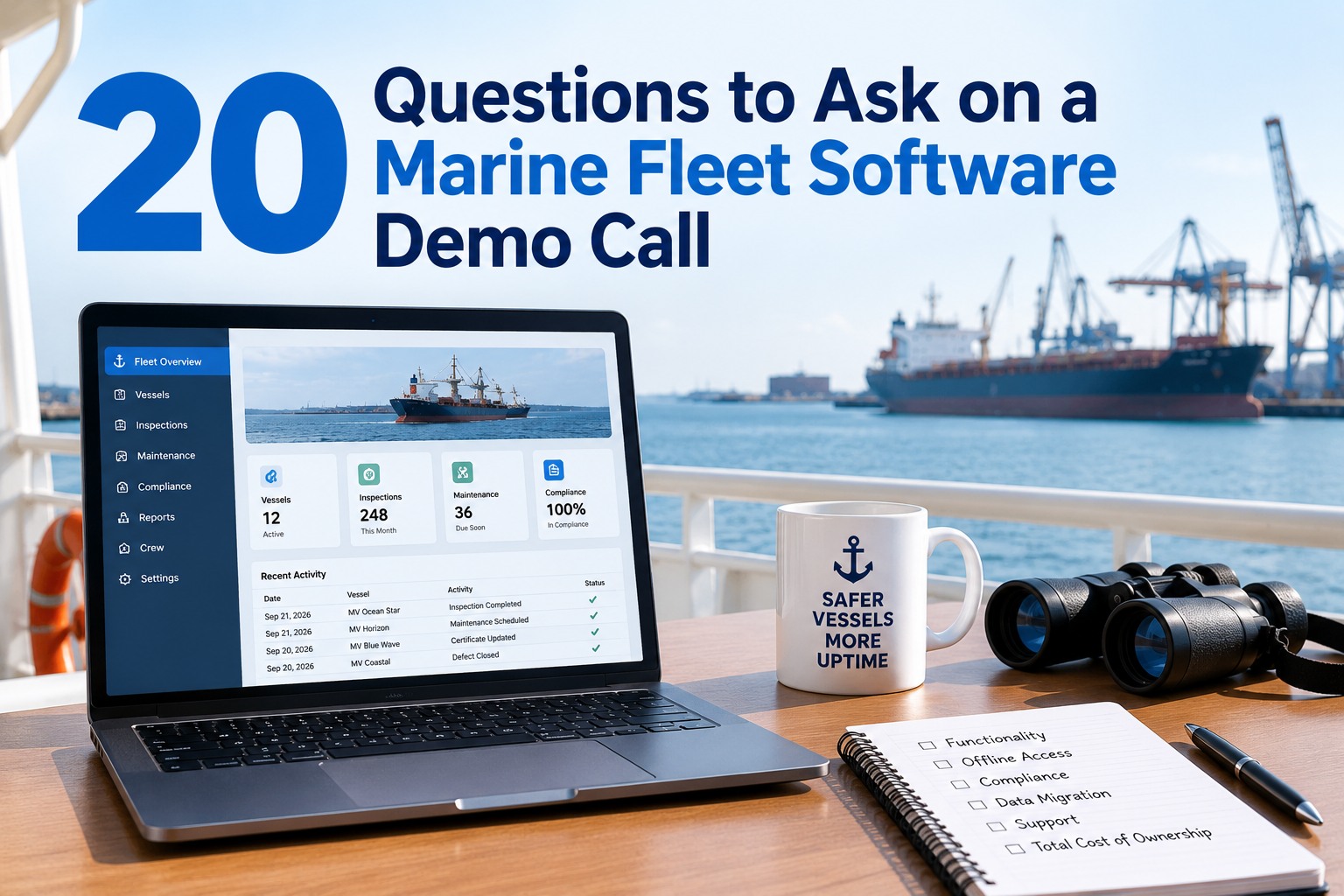
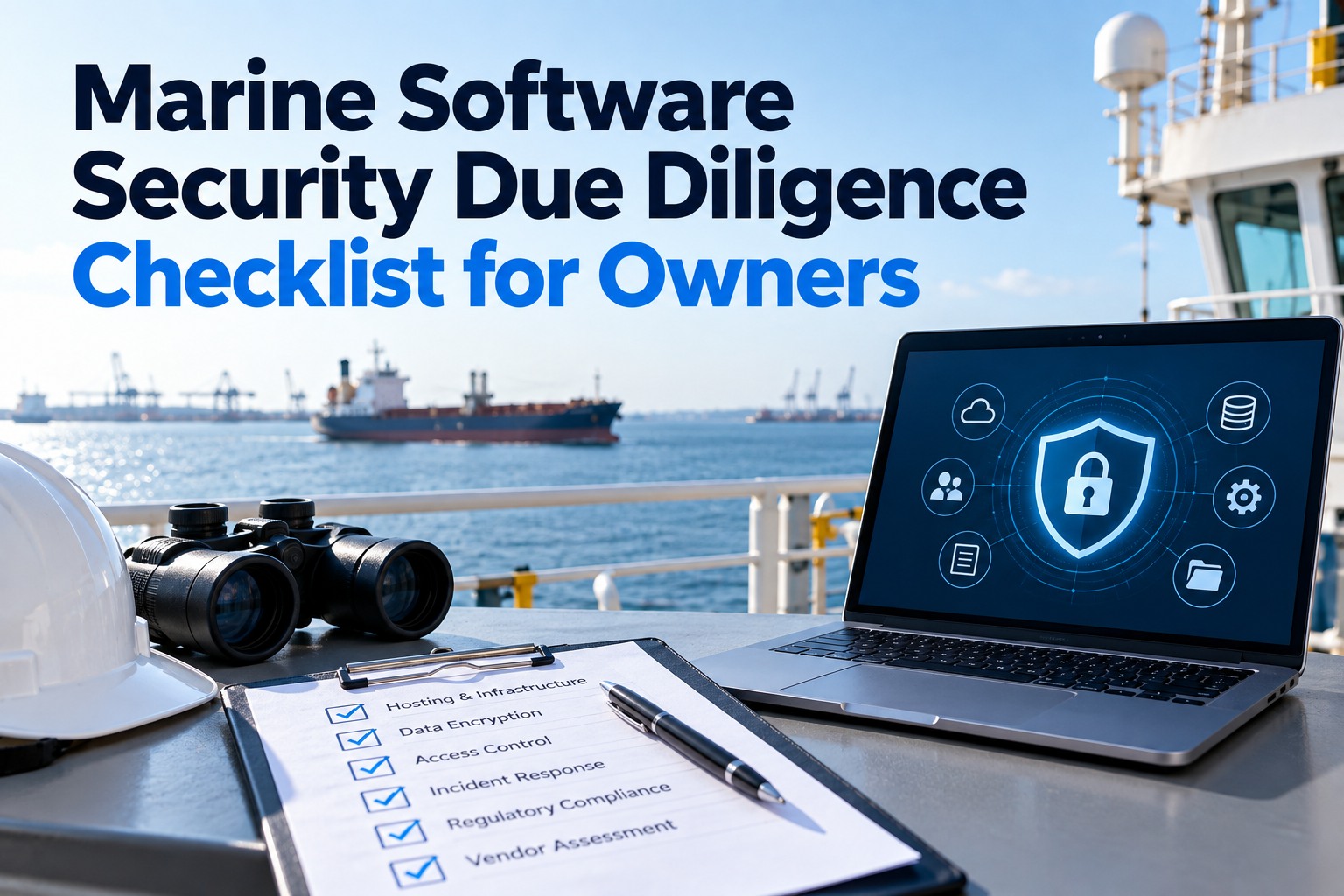
A vendor demo is a rehearsed performance. The presenter has run the same account, the same vessel and the same inspection dozens of times, on shore Wi-Fi, with clean sample data. None of that tells you what happens when a second engineer closes a job in a flooded engine room with no signal, when a Port State Control officer asks who changed an Oil Record Book entry, or when you want your data back three years from now. The twenty questions below are built to move a demo off the script and onto your fleet's reality. Each one explains why it matters, what a good answer sounds like and which answer should end the call. Print the scorecard at the bottom, bring the right people, and use it on every vendor, including us. You can open a free Marine Inspection account first and test these questions yourself before any call.
Turn a sales demo into a test of your own fleet
Send the vendor your equipment list and one real inspection form before the call. Then ask them to switch off the Wi-Fi.
- 20 questions across 5 areas, in the order to ask them
- A good answer and a red flag for every question
- A weighted scorecard to compare vendors fairly
Demo scorecard preview
Offline and sync
Compliance evidence
Data and exit
Fleet and flags
Security and terms
Prepare before the call, not during it
Most of a demo's value is decided before it starts. A vendor that has your data and your scenario cannot hide behind a sample account. Our fleet manager's guide to choosing inspection software covers shortlisting. This is the step after it.
1
Send real data
An equipment list from one vessel and one inspection form you actually use.
2
Set one scenario
For example, a defect found offline that becomes a work order and closes with photos.
3
Invite the users
A chief engineer or master, a superintendent, and whoever owns IT and the SMS.
4
Agree the weights
Decide what matters most before anyone sees a screen, so the prettiest demo does not win by default.
How to weight your score
Not every question carries the same risk. A missing report template is an inconvenience, while an app that loses entries on sync is a compliance problem. These are suggested starting weights for a deep-sea fleet, so adjust them to your trade. A coastal fleet with constant 4G can lower offline, and a tanker operator facing SIRE 2.0 vetting should raise compliance.
Data, integration and exit
Security, support and terms
Suggested weights, totalling 100%. Bar length is relative to the highest-weighted area.
The 20 questions
Ask them in this order. The early questions are the hardest to fake, so a weak vendor usually shows it in the first fifteen minutes.
Area 1Offline and connectivity
Q1Can you switch the demo device to airplane mode now, complete an inspection with photos, and then reconnect?
Why it mattersEngine rooms, cargo holds and tanks have no signal. An app that only works online produces late entries typed up from memory.
Good answerThey do it live, and the record syncs with its original timestamp intact.
Red flag"Our offline mode works in production, but we cannot show it on this setup."
Q2If two users edit the same record while both are offline, what happens when they sync?
Why it mattersSilent overwrites delete evidence. This is where offline apps most often fail.
Good answerA defined conflict rule, both versions kept in the history, and a visible flag for review.
Red flag"The last sync wins," with no history kept.
Q3How much data does a normal day's sync use, and can photo uploads wait for a cheaper connection window?
Why it mattersSatellite airtime is still metered on many ships. Uncontrolled photo uploads show up on the communications bill.
Good answerText syncs first and media is queued, with settings the shore team controls.
Red flagNo figures, and no control over what uploads when.
Q4Which functions stop working completely without a connection?
Why it mattersEvery product has limits. You need the list before the crew finds it for you.
Good answerA short, specific list, such as fleet dashboards and cross-vessel search.
Red flag"Nothing," from a product that loads every screen from the cloud.
Area 2Compliance and approvals
Q5Which flag Administrations have approved your electronic record books, and can we see a Declaration?
Why it mattersMARPOL electronic record books need flag approval under IMO guidelines MEPC.312(74), plus a ship-specific Declaration on board.
Good answerNamed flags, and a sample Declaration or the approval route for yours.
Red flag"It's digital, so it counts as your Oil Record Book."
Q6Is the maintenance module accepted by our class society for an approved planned maintenance scheme?
Why it mattersClass accepts PMS software by type approval or case by case. Without that, machinery survey credit is at risk.
Good answerA certificate from your society, or a clear case-by-case route they have used before.
Red flagVague claims of being "class compliant" with nothing in writing.
Q7Edit a closed entry now. Show us who changed it, when, and what the old value was.
Why it mattersThe IMO electronic record book guidelines expect the system to automatically record attempts to manipulate data. Surveyors and PSC officers ask this.
Good answerA locked record, or a visible amendment trail showing the user, time and original value.
Red flagClosed records can be edited without any trace.
Q8Who keeps checklist libraries current when regulations change, and how fast do updates reach ships?
Why it mattersChecklists for PSC campaigns, SIRE 2.0 and flag rules go stale quickly.
Good answerA named process, examples of recent updates, and pushed updates that work offline.
Red flag"You can build any checklist you like," with nothing maintained by the vendor.
Q9Can the master hand a surveyor a signed report without the surveyor logging in?
Why it mattersInspectors will not create an account in your system. Evidence has to leave the app in a form anyone can read.
Good answerA PDF export with signatures, photos and timestamps, generated on board.
Red flagReports are only viewable inside the web portal.
Put Marine Inspection through Q1 to Q9 live. We will take the demo tablet offline, close a defect with photos, sync it and show the amendment trail, all on your own inspection form.
Book a 30-minute demo
Area 3Data, integration and exit
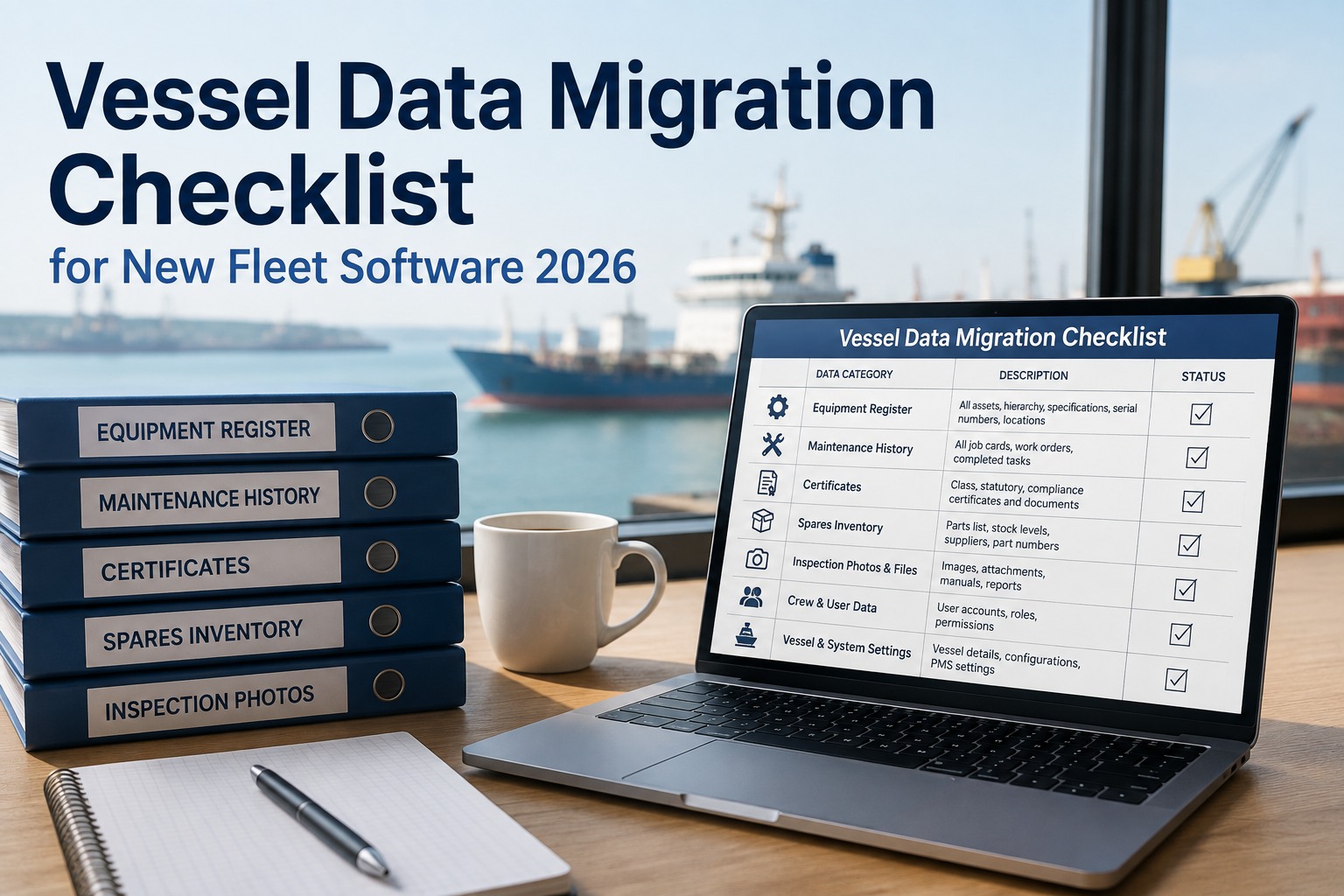
Q10Import the equipment list we sent. How long does it take, and who does the mapping?
Why it mattersOnboarding cost lives in data preparation, not in the licence.
Good answerYour list is already loaded, or they load it on the call and name who does the rest.
Red flag"Our services team will scope that after signing."
Q11If we leave, what exactly does the export contain, and in what format?
Why it mattersExports that drop photos, attachments and free-text notes lose the evidence you are paying to keep.
Good answerEvery table plus media in open formats, written into the contract.
Red flagA summary spreadsheet, or "we can discuss that at renewal."
Q12Which of our systems do you already connect to, and can we speak to a customer using that connection?
Why it matters"We have an API" and "we run this integration for a customer today" are very different claims.
Good answerA named integration with a reference you can call.
Red flagEverything is "on the roadmap."
Q13Where is our data hosted, and who at your company can see it?
Why it mattersCrew personal data and incident records carry privacy obligations, and some charterers ask.
Good answerA named hosting region, role-limited staff access, and access logging.
Red flagNo clear answer on the call.
Area 4Fleet scale and flags
Q14Show two vessels under different flags, each with its own checklist set, in the same account.
Why it mattersFlags enforce the same conventions differently, and a multi-flag fleet needs that difference built in.
Good answerChecklists and due dates that change by vessel, flag and type without separate accounts.
Red flagOne global template for every ship.
Q15Log in as a master, then a chief engineer, then a third-party inspector. What does each one see?
Why it mattersShared logins break the audit trail. Roles must match your SMS responsibilities.
Red flag"Most customers share one ship login."
Q16Which languages can the crew use, and does a report entered in one language read correctly ashore in English?
Why it mattersMixed-nationality crews make fewer entry errors in their own language.
Good answerA live switch of the interface language, with records staying consistent for shore review.
Red flagEnglish only, with translation "coming soon."
Area 5Security, support and terms
Q17How does your app fit our cyber risk management, and what can you document for newbuilds under IACS UR E26 and E27?
Why it mattersCyber risk belongs in the SMS under IMO resolution MSC.428(98). E26 and E27 apply to ships contracted for construction on or after 1 July 2024. See our
cyber compliance explainer.
Good answerSecurity documentation, the app's network footprint, and how it fits your asset inventory.
Red flag"We're cloud-based, so cyber is handled."
Q18A chief engineer is stuck at 0300 ship time. Who answers, and how?
Why it mattersShips do not keep office hours, and a stuck crew stops recording.
Good answerNamed support hours across time zones, and a channel that works on low bandwidth.
Red flagAn email ticket answered the next business day.
Q19What is the full price per vessel, and what can change it at renewal?
Why it mattersQuotes in different units cannot be compared. Our
pricing breakdown guide shows how to normalise them.
Good answerA written per-vessel price, what it includes, the notice period and any renewal cap.
Red flagPricing only "after discovery," or long lock-in with no exit terms.
Q20Can we run one vessel on a trial before committing the fleet?
Good answerYes, with agreed success measures and no fleet commitment.
Red flagFleet-wide contract first, training later.
Answers that should end the call
Some answers are not weak scores but disqualifiers. If you hear one of these, record it and move on to the next vendor. When comparing offline vessel inspection apps, these six filter the list faster than any feature matrix.
Offline cannot be shownIf it cannot work offline in the demo, assume it will not work at sea.
Closed records are editableAny record that can be changed without a trace is not evidence.
No written export termsYour data becomes the vendor's leverage at renewal.
"Class compliant" with no paperThere is no certificate and no named route with your society.
Shared logins are normalThe audit trail breaks at the first inspection.
No trial before a fleet contractYou would be buying the demo, not the product.
Copy this scorecard into your evaluation
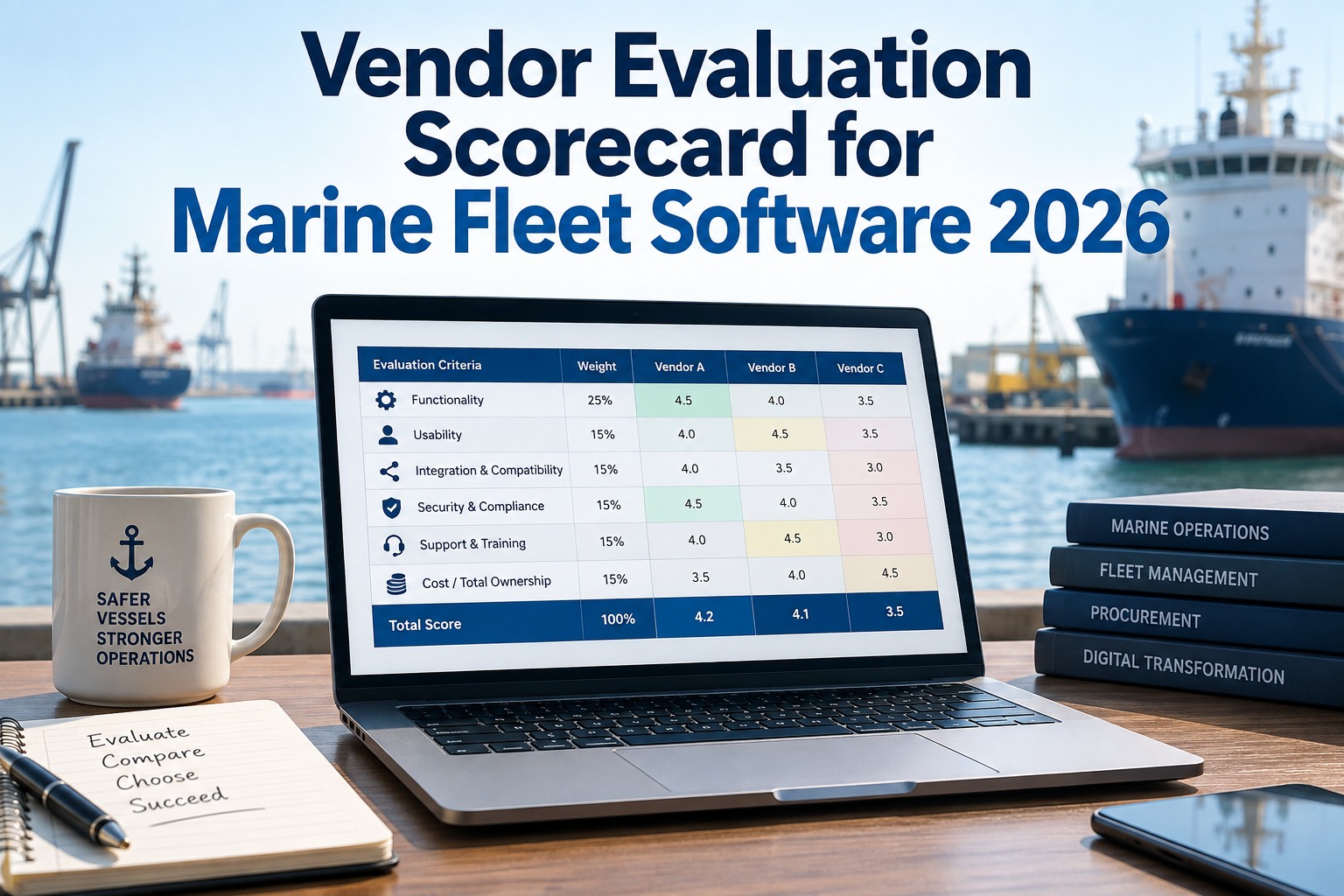
Score each area from 1 to 5 during the call, multiply by the weight, and add the totals. The worked example below uses the scores from the preview card at the top of this page. Run the same card for every vendor so the comparison is fair, and keep it as an inspection template so you can score vendors on your phone.
| Area | Questions | Weight | Score (1–5) | Weighted score | Disqualifier heard? |
|---|
| Offline and connectivity | Q1–Q4 | 25% | 4 | 1.00 | None |
| Compliance and approvals | Q5–Q9 | 25% | 3 | 0.75 | Follow up in writing |
| Data, integration and exit | Q10–Q13 | 20% | 5 | 1.00 | None |
| Fleet scale and flags | Q14–Q16 | 15% | 2 | 0.30 | Ask for multi-flag demo |
| Security, support and terms | Q17–Q20 | 15% | 4 | 0.60 | None |
| Total | 20 questions | 100% | – | 3.65 / 5 | Shortlist, pending written answers |
Example only. Weighted score = score × weight, e.g. 4 × 25% = 1.00. Any disqualifier removes the vendor regardless of total.
Frequently asked questions
How long should a marine software demo take?
Around an hour for a first call is usually enough to get through the twenty questions if the vendor has your data in advance. Book a second, shorter session for anything they could not show live.
Who from our side should join?
At least one person who will use the app on board, such as a chief engineer or master, plus a superintendent and whoever owns IT and the safety management system. Sea staff spot workflow problems that shore staff miss.
Should we send our data before the demo?
Yes. One vessel's equipment list and one real inspection form are enough. A vendor who will not load them before the call is showing you how onboarding will go.
What if a vendor cannot answer a question on the call?
Ask for the answer in writing within a set time, and score it only when it arrives. Compliance and export answers in particular should be in writing anyway.
Is a free trial better than a demo?
They answer different questions. A demo shows what the vendor wants you to see, and a trial on one vessel shows what your crew actually does with it. Use both, in that order.
Ask us all twenty
Bring this list to a Marine Inspection demo. We will answer every question on your own data, offline first, and put the export and pricing terms in writing.