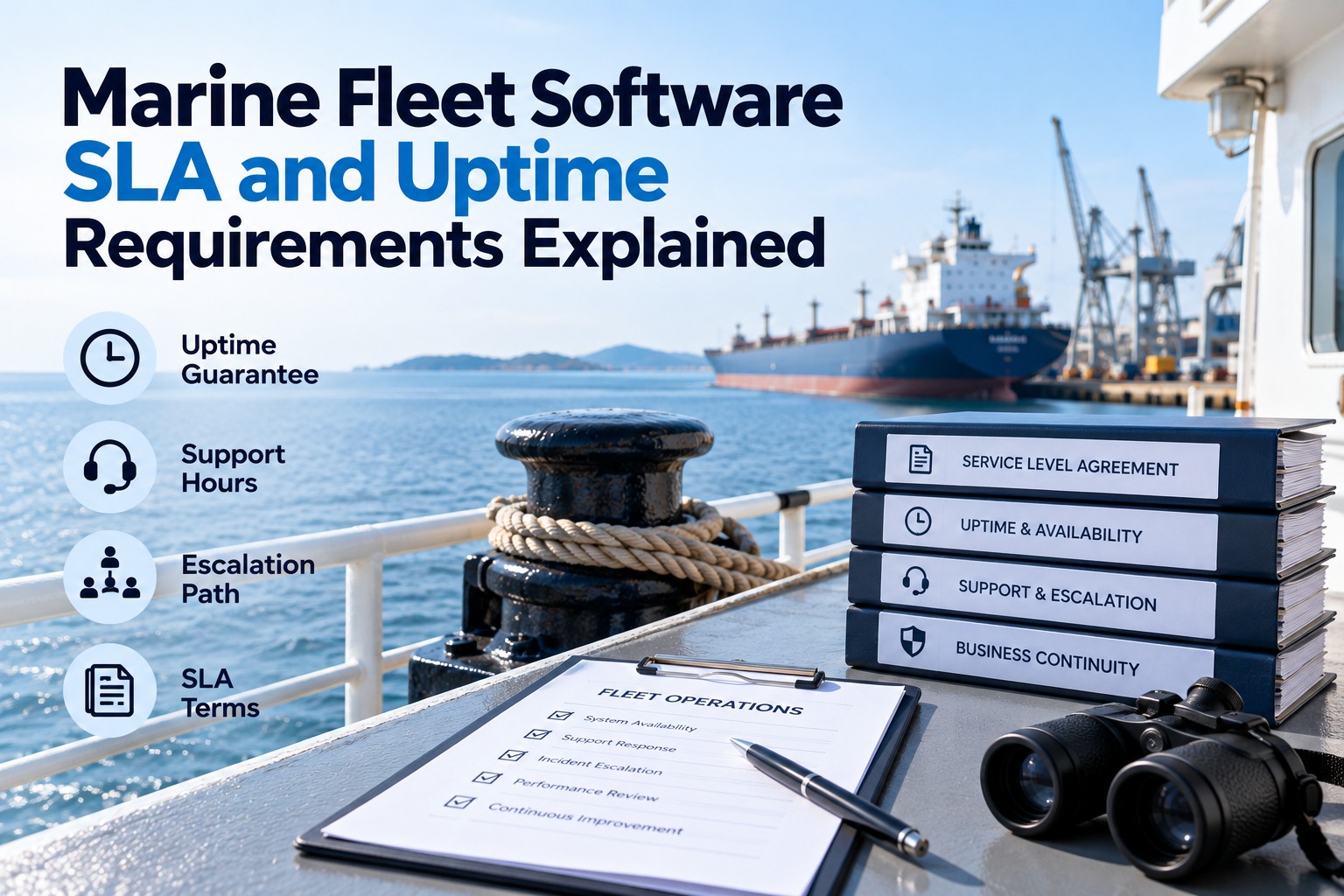
A vendor promising 99.9% uptime is promising something real, but narrower than it sounds. The figure is measured at the vendor's servers, usually excludes scheduled maintenance and anything on the customer's side of the connection, and for a ship that includes the satellite link. A chief officer preparing for a Port State Control boarding at 0300 ship time does not care about a monthly percentage. What matters is whether the app works without a signal, whether anyone answers when it does not, and how fast a problem climbs from a helpdesk queue to someone who can fix it. This guide explains the SLA terms that actually protect a trading fleet: what the uptime numbers allow, which exclusions to cap, how to define severity in maritime terms, what support hours a global fleet needs, and how service credits and escalation should work. Use it to read any vendor's service level agreement, and book a live demo to ask us the same questions.
SLA reading guide
Uptime is measured on shore. Your crew works at sea.
Do the downtime maths, cap the exclusions and define severity in terms of your ships, not the vendor's servers.
Downtime allowed per 30-day month
Before exclusions. Over a year, 99.9% still allows almost nine hours.
Where uptime is measured, and where your crew is
Most SLAs measure availability at the vendor's own infrastructure. Everything beyond that, including your office network, the vessel's satellite terminal and the ship's Wi-Fi, is usually excluded as the customer's side. For a fleet, that is most of the path. It is why offline capability matters more than a decimal place of uptime. Our comparison of offline vessel inspection apps covers what to test.
Vendor serversHosting, database, app
InternetPublic networks
Satellite linkVSAT, LEO, port 4G
Crew deviceEngine room, deck, holds
Covered by the uptime figure
Usually excluded as the customer's side. Only offline capability protects the crew here
Read the uptime formula, then the exclusions
Availability clauses are usually written as a formula. The uptime percentage gets the attention, but the excluded minutes decide how much it is worth. A broad exclusion list can make a high number meaningless.
Common exclusionAcceptable whenPush back when
Scheduled maintenanceCapped hours per month, advance notice, outside your agreed busy hoursNo cap and no notice period
Emergency maintenanceReported after the event with a reasonAny unplanned outage can be labelled an emergency
Customer connectivityGenuinely on your side, and the app works offline meanwhileUsed to excuse sync failures on the vendor's side
Third-party servicesLimited to services you chose and connectedCovers the vendor's own hosting provider
Force majeureDefined events only"Anything outside reasonable control"
Define severity in terms of your ships
Vendors classify tickets by their own standards. Write the severity levels into the contract in operational terms, so that a crew locked out before an inspection is treated as critical, not as a routine question. The response targets below are suggested starting points to negotiate from.
P1 Critical
Crews across the fleet cannot record or sync, data is lost, or reports cannot be produced ahead of an inspection, survey or PSC boarding
1 hourresponse, 24/7, updates every 2 hours
P2 High
One vessel cannot sync, or a core module such as maintenance or record books is unavailable for some users
4 hoursresponse, 24/7
P3 Medium
A feature fails but a workaround exists, such as a report format or a filter
1 business dayresponse
P4 Low
Questions, configuration help and cosmetic issues
3 business daysresponse
Ticket #DEMO-30 Priority: yours
Put our support terms to the test
In a 30-minute demo we walk through our severity levels, support hours and escalation path, then send them to you in writing.
Support hours for a fleet that never stops
Office-hours support in one time zone covers about a third of the day. A fleet trading worldwide needs help whenever a ship needs it, at least for critical issues. Ask which hours are covered, in which time zone, and whether P1 cover is round the clock.
Office hours, one time zone8 of 24 hrs
Extended hours14 of 24 hrs
Follow the sun, P1 on call24 of 24 hrs
The escalation path, with time triggers
An escalation path names who takes over when a problem is not fixed in time. Without triggers, a P1 ticket can sit at the first level for a day. Ask the vendor to fill in a ladder like this one and attach it to the contract.
At once
Support deskLogs the ticket, confirms severity and starts updates
P1 not resolved in 2 hrs
Senior technical supportTakes ownership and reproduces the problem
P1 not resolved in 4 hrs
Engineering on callWorks on the fix, with a named engineer
P1 open 8 hrs or repeating
Named account managerCoordinates, reports to your superintendent or IT lead
Repeated breaches
Executive sponsorAgrees a remediation plan, and credits or exit if it fails
Service credits: what they are worth
Service credits are the usual remedy when uptime falls short. They are typically a percentage of the monthly fee, tiered by how badly the target was missed and capped, and many contracts treat an unclaimed credit as waived. Credits rarely match the real cost of an outage, so the terms around them matter more than the percentages.
Negotiate for
Credits applied automatically, not only on written claim
A right to terminate after repeated breaches
Carve-outs from "sole remedy" for data loss and security failures
A published status page and monthly availability report
Example tiers showing the percentage of the monthly fee credited at each availability level. Real contracts vary.
Checklist: SLA terms to insist on
Collect these from every vendor in the same format with our RFP template, then score them alongside security and data terms using our security due diligence checklist and the data ownership guide.
Uptime target and measureMonthly figure, with a clear definition of downtime that includes failed syncs
Capped exclusionsMaintenance hours limited, notice given, outside your agreed busy hours
Offline continuityCrews keep recording during any outage, with automatic sync afterwards
Severity in your termsP1 includes inspection, survey and PSC readiness
Round-the-clock P1 coverStated hours and time zones for everything else
Escalation ladderNamed roles and time triggers, attached to the contract
Meaningful creditsAutomatic, tiered, with an exit right for repeated failure
ReportingStatus page, incident reports and monthly availability figures
Frequently asked questions
Is 99.9% uptime good enough for fleet software?
For shore-side use it is a common and reasonable target. For crews, offline capability matters more, because the satellite link sits outside almost every SLA.
Do service credits cover our losses from an outage?
Rarely. They are usually capped at a share of the monthly fee. Treat them as an incentive for the vendor, and rely on offline working and exit rights for real protection.
Can we negotiate a vendor's standard SLA?
Often, particularly severity definitions, support hours and credit terms for a fleet contract. Uptime percentages tend to be standard across a vendor's customers.
How do we check a vendor's real uptime?
Ask for the status page history and recent incident reports, and ask reference customers how outages were handled. Our
20 demo questions include the support test.
Marine Inspection: ways to get started
Live demo30 minutes, with our SLA and support terms in writing afterwards
AvailableBook demoFree trial14 days, all features, test offline working on your own vessel
AvailableStart trial