Satellite connectivity at sea changed completely, and it solved none of the problem that matters for inspections. A vessel in 2026 can carry broadband delivering a few hundred megabits with latency comparable to a shore office, across every ocean on earth, on hardware that costs a fraction of the systems it replaced. None of that reaches the inside of a ballast tank. Steel does not care how good the antenna on the monkey island is, and the inspections that carry the most weight — structural examination in a cargo hold, machinery checks in an engine room, a tank entry, equipment on a lifeboat platform — happen precisely in the spaces where no signal has ever reached and none ever will. Better connectivity has raised expectations without touching the working reality, which is that an inspector with a tablet several decks down is on their own. This is why offline capability is the first thing serious fleets evaluate and the thing most easily misrepresented, because almost every platform claims to support it and very few mean the same thing by it. This guide covers where signal actually fails, what separates offline-first architecture from an offline mode, how synchronisation should behave, and how to test a vendor's claim properly. To see genuine offline capture running on your own vessels, book a demo or start a free trial.
CAPABILITY GUIDE · OFFLINE INSPECTION
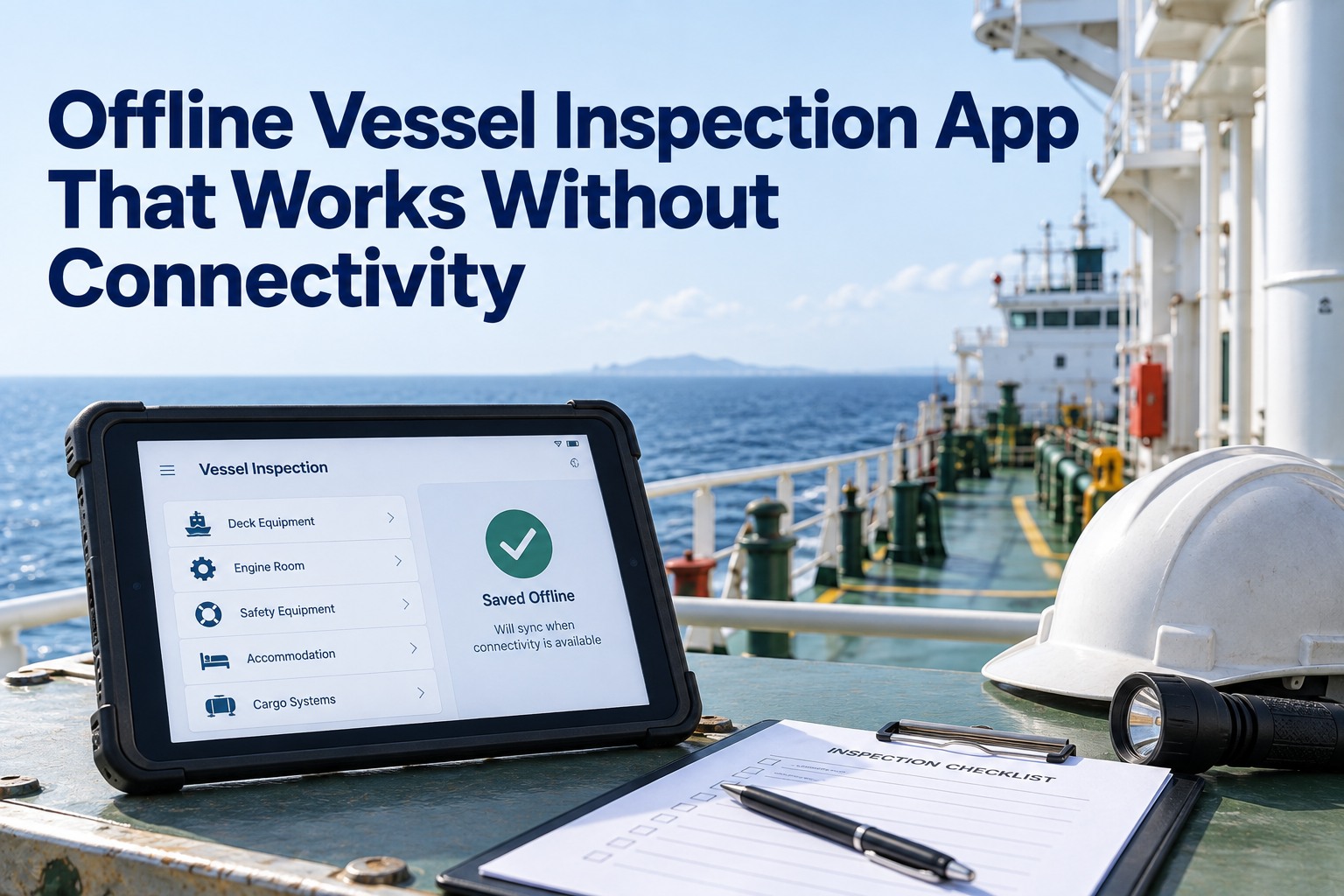
The Offline Vessel Inspection App That Works Where There Is No Signal
Create, complete and submit inspections with no connection at all, store everything locally, and sync cleanly the moment a link returns — because the inspections that matter happen where connectivity does not reach.
Engine room
Cargo hold
Ballast tank
Lifeboat platform
Coverage gap
Connectivity Changed the Ship, Not the Tank
It is worth being precise about what improved, because the improvement is genuine and it is also irrelevant to the problem at hand.
On the bridge wing
Hundreds of megabits, latency in tens of milliseconds, coverage across every ocean, on roughly a hundred and fifty thousand vessels by early 2026
Three decks down in a tank
Nothing. No satellite service reaches through steel, and no upgrade to the antenna changes that
Coverage gaps also persist at sea regardless of provider. Licensing and landing rights vary by territorial water and exclusive economic zone, so a vessel transiting certain regions may lose service that is available elsewhere, and throughput thins at high latitudes where the constellation is sparser. A well-designed system therefore has to degrade gracefully when the ship enters a coverage gap — which happens whatever equipment is fitted. The practical consequence is that an app depending on connectivity fails in two distinct ways: predictably, every time someone walks into an enclosed space, and unpredictably, when the ship crosses a gap. To keep capture working through both, book a demo or start a free trial.
Offline Mode Is Not Offline First
The word offline covers a wide range of actual capability, and the difference decides whether crews use the app or revert to paper. These are the tiers, in ascending order of usefulness.
Tier 1
Read-only cache
Previously loaded content can be viewed without a connection, but nothing new can be entered. Useful for reference, worthless for inspection.
Tier 2
Drafts only
Entries can be started and held locally, but the inspection cannot be completed or closed out until a connection returns. Work is captured, but the record stays in limbo.
Tier 3
Complete but not submit
The full inspection can be worked through offline, including photographs, but submission requires connectivity — so the crew must remember to return and finalise, and frequently do not.
Tier 4
Offline first
Create, complete, attach evidence and submit with no connection at all. The submission queues locally and transmits automatically on reconnection without anyone being asked to do anything. The app behaves identically online and offline.
Only the last tier survives real use, because the others all depend on the crew performing an extra step later. The test is not whether the app opens without a signal but whether an inspector can finish the job in the tank and walk away, confident that the record is complete and will reach shore by itself. Anything short of that quietly reintroduces the paper habit the platform was bought to remove.
What Has to Work With Nothing
Concretely, these functions must be fully available with the device in airplane mode, several decks below the waterline.
Opening the correct checklist for the vessel and inspection type, with its full question set available locally
Recording results, readings, comments and defect descriptions against individual items
Capturing photographs at the point of inspection and binding them to the specific finding rather than a general folder
Raising a defect or non-conformity with severity, location and description, ready to become a work order
Referring to equipment history, previous findings and open items for the component being examined
Completing, signing and submitting the inspection so it queues for transmission automatically
The fifth item is the one most often missing and the most valuable in practice. An inspector standing at a piece of machinery wants to know what was found last time and whether anything remains open against it — that context is what turns an inspection into a judgement rather than a form-filling exercise, and it is useless if it only exists on a server the tablet cannot reach.
Offline first
Finish the job in the tank and walk away
Full checklists, equipment history, photo capture, defect raising and submission — all available with no connection, queued locally and transmitted automatically when the link returns, with no crew intervention.
Book a demo to see it on your own hardware, or
start a free trial and test it yourself.
How Synchronisation Should Behave
Every platform claims real-time sync. What that actually requires is more specific than the phrase suggests, and the difference shows up as duplicated records and manual merging.
Bidirectional propagation
Changes flow both ways on reconnect — the ship's captured work reaches shore and shore-side updates reach the vessel, rather than one direction being treated as authoritative and the other discarded.
Conflict resolution on reconnect
Where the same record changed in both places while disconnected, the system resolves it by rule rather than producing two versions for someone to reconcile by hand. Ship and shore should end with one consistent picture.
Graceful degradation
Entering a coverage gap should not break anything or produce errors. The data model has to assume disconnection is normal rather than exceptional, because at sea it is.
Bandwidth-aware transfer
Photographs and attachments are the heavy part of an inspection record. Sync should prioritise the structured data, transfer media efficiently, and resume rather than restart if the link drops mid-transfer.
No crew intervention
A defect flagged in the engine room with no signal should arrive at a shore superintendent as a work order the moment the vessel regains connectivity, with its photograph and position attached, without anyone pressing a button.
That last behaviour is the whole point of the architecture. The inspection loop closes automatically — capture at sea, sync at port or the moment coverage returns, shore-side action without delay — and the crew's only responsibility is the inspection itself.
How to Test the Claim
The single most important rule when evaluating any platform is that offline capability cannot be judged in a vendor's demo environment, where the connection is always perfect. Offline has to be tested where offline happens.
1Use the actual hardware the crew will carry, not a vendor-supplied device configured for the demonstration.
2Put the device into airplane mode, then physically go to the worst-signal spaces aboard — engine room, hold, tank, lifeboat platform.
3Run a complete inspection end to end: open the checklist, record results, capture several photographs, raise a defect, look up the equipment's history, then complete and submit.
4Leave the device offline for a realistic period rather than reconnecting immediately, and run a second inspection to see whether queued work accumulates cleanly.
5Reconnect and confirm everything arrives shore-side intact — all photographs attached to the right findings, the defect raised as a work order, no duplicates and nothing requiring manual merging.
6Repeat with a shore-side change made during the disconnection, to see how the platform resolves a genuine conflict rather than a clean one-way sync.
Step six is the one vendors are least prepared for and it is where architectural quality shows. A one-way upload after a disconnection is straightforward; reconciling simultaneous changes is the part that either works by design or produces the duplicate records fleets end up merging by hand. To run this test on a trial with your own vessels and devices, book a demo or start a free trial.
What Breaks When Offline Fails
The consequences of getting this wrong are larger than an inconvenience, because they cascade into the documentation on which several regimes depend.
A platform requiring connectivity forces the inspector to write findings on paper in the space and re-enter them later at a desk. That single fallback undoes most of the value: entries are delayed, so timestamps no longer reflect when the observation was made; photographs are taken separately and attached from memory, if at all, rather than bound to the finding at the point of capture; detail is lost between observation and transcription; and the discipline of a complete, contemporaneous record — precisely what Port State Control officers, vetting inspectors and class surveyors assess — degrades into a reconstruction. Evidence created later is weaker evidence, and inspectors are practised at recognising records assembled after the fact.
There is a behavioural consequence too, and it is the one that kills implementations. Crews are pragmatic: if the tool fails in the place they need it, they stop trusting it and revert to the method that always works. Adoption is the gate through which every other benefit passes, and nothing erodes adoption faster than an app that will not open where the work is. This is why offline capability is not a feature to compare alongside others on a specification sheet — it is the precondition for the platform being used at all, and the reason it deserves to be the first thing tested rather than the last. To confirm it holds up in your own worst-signal spaces, book a demo or start a free trial.
Frequently Asked Questions
If we have satellite broadband, do we still need offline capability?
Yes, and the reasoning is physical rather than commercial. Modern satellite service delivers high throughput and low latency across every ocean, on a large and growing share of the world fleet, but none of it penetrates steel. The inspections that carry the most weight happen inside engine rooms, cargo holds, ballast tanks and other enclosed spaces where no signal has ever reached, and no antenna upgrade changes that. Coverage gaps also persist at sea for other reasons — licensing and landing rights vary between territorial waters and economic zones, and throughput thins at high latitudes — so a well-built system must degrade gracefully when the ship enters a gap regardless of what equipment is fitted. Better connectivity raised expectations aboard without altering the working reality several decks down.
What is the difference between offline mode and offline first?
Offline support exists in tiers. The weakest allows previously loaded content to be viewed but nothing new entered. The next allows entries to be started and held as drafts but not completed. A third allows the full inspection to be worked through including photographs, but requires connectivity to submit, so the crew must return and finalise later. Offline first means create, complete, attach evidence and submit with no connection at all, with the submission queuing locally and transmitting automatically on reconnection without anyone being asked to do anything — the app behaves identically online and offline. Only that last tier survives real use, because every other tier depends on the crew performing an additional step afterwards, which quietly reintroduces the paper habit the platform was bought to eliminate.
What exactly must work with no connection?
Six things, all fully available with the device in airplane mode below the waterline: opening the correct checklist for the vessel and inspection type with its full question set stored locally; recording results, readings, comments and defect descriptions against individual items; capturing photographs at the point of inspection and binding them to the specific finding rather than a general folder; raising a defect or non-conformity with severity, location and description ready to become a work order; referring to equipment history, previous findings and open items for the component being examined; and completing, signing and submitting so the record queues for automatic transmission. The equipment-history item is the one most often missing and among the most valuable, because knowing what was found last time is what makes an inspection a judgement rather than form-filling.
How should synchronisation work when the link returns?
Properly built synchronisation has several specific characteristics beyond the marketing phrase. Changes should propagate bidirectionally, so captured work reaches shore and shore-side updates reach the vessel rather than one direction being treated as authoritative. Conflicts arising where the same record changed in both places during disconnection should be resolved by rule rather than producing two versions someone merges by hand. The data model should degrade gracefully entering a coverage gap, treating disconnection as normal rather than exceptional. Transfer should be bandwidth-aware, prioritising structured data, handling photographs efficiently and resuming rather than restarting if the link drops mid-transfer. And none of it should require crew intervention — a defect flagged offline should reach a shore superintendent as a work order automatically once coverage returns.
How do we properly test a vendor's offline claim?
Never in the vendor's demo environment, where the connection is always perfect. Use the actual hardware your crew will carry, put it in airplane mode, and physically go to the worst-signal spaces on the vessel. Run a complete inspection end to end — open the checklist, record results, capture several photographs, raise a defect, look up equipment history, then complete and submit. Leave the device offline for a realistic period rather than reconnecting immediately, and run a second inspection to confirm queued work accumulates cleanly. Then reconnect and verify everything arrives intact, with photographs attached to the correct findings, the defect raised as a work order, no duplicates and nothing needing manual merging. Finally, repeat with a shore-side change made during the disconnection, which tests genuine conflict resolution rather than a clean one-way upload.
What actually goes wrong if the app needs a signal?
The inspector writes findings on paper in the space and re-enters them later, and that single fallback undoes most of the platform's value. Entries are delayed so timestamps no longer reflect when observations were made, photographs are taken separately and attached from memory if at all rather than bound to the finding at capture, detail is lost between observation and transcription, and a complete contemporaneous record degrades into a reconstruction — which is exactly what Port State Control officers, vetting inspectors and class surveyors are practised at recognising. There is a behavioural cost too, and it is the one that kills implementations: crews who find the tool fails where they need it stop trusting it and revert to the method that always works. Adoption is the gate every other benefit passes through.
Built for the Places With No Signal
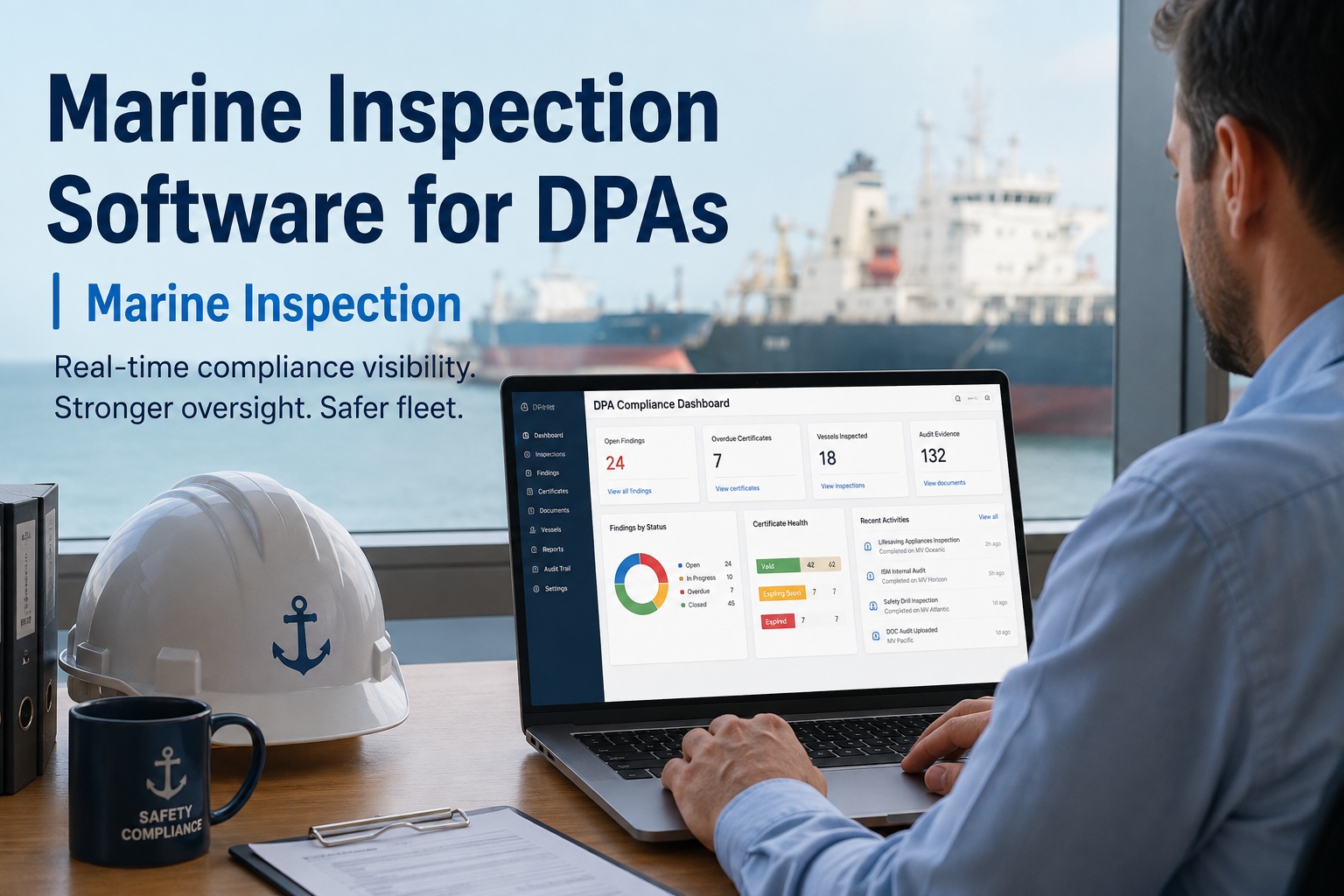
The satellite on the mast does not reach the tank, and it never will. Marine Inspection is offline first by design — full checklists, equipment history, photo capture, defect raising and submission all available with no connection, queued locally and transmitted automatically when coverage returns, with conflicts resolved rather than duplicated. Test it in your own worst-signal spaces, on your own hardware.
Book a demo or
start a free trial.