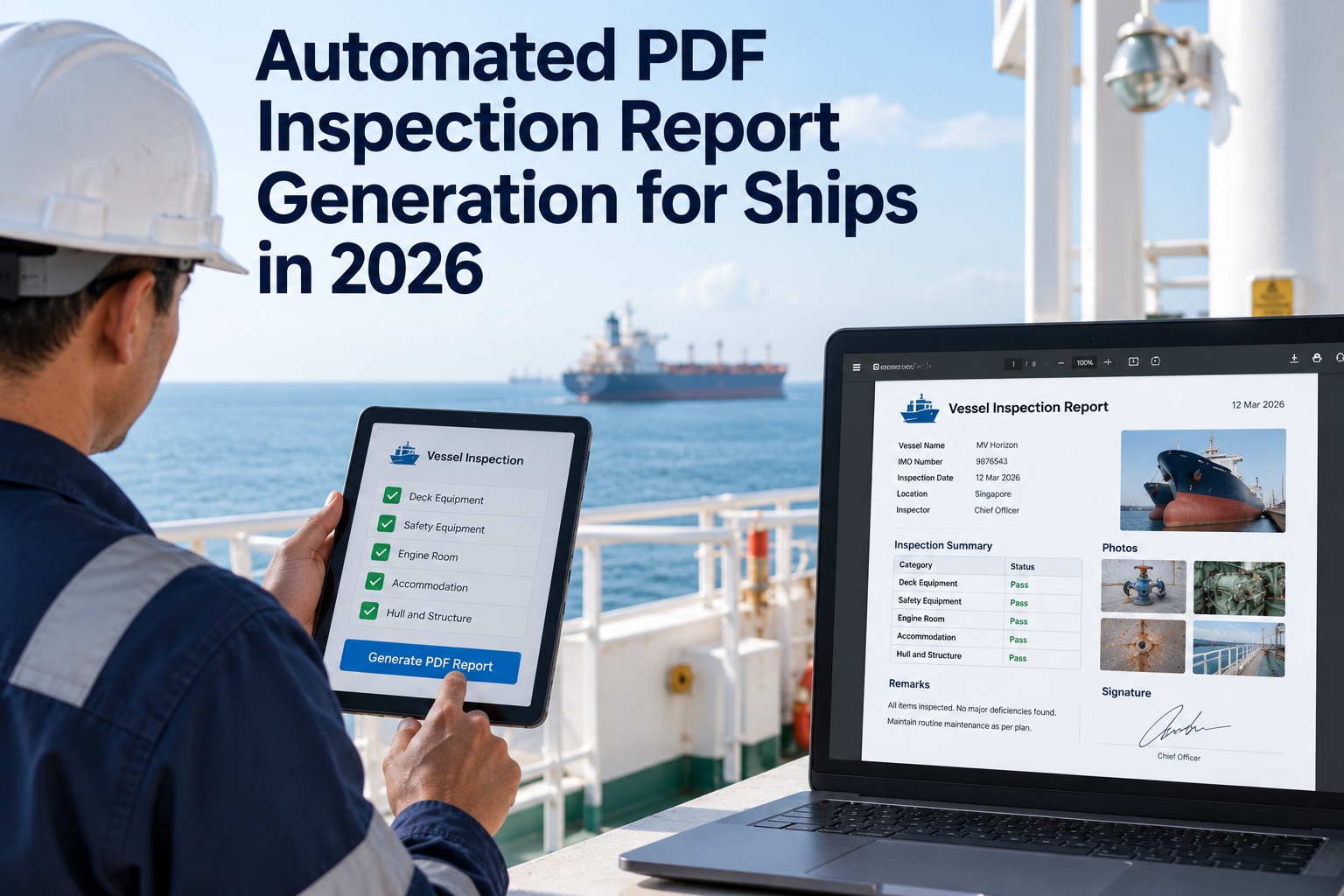
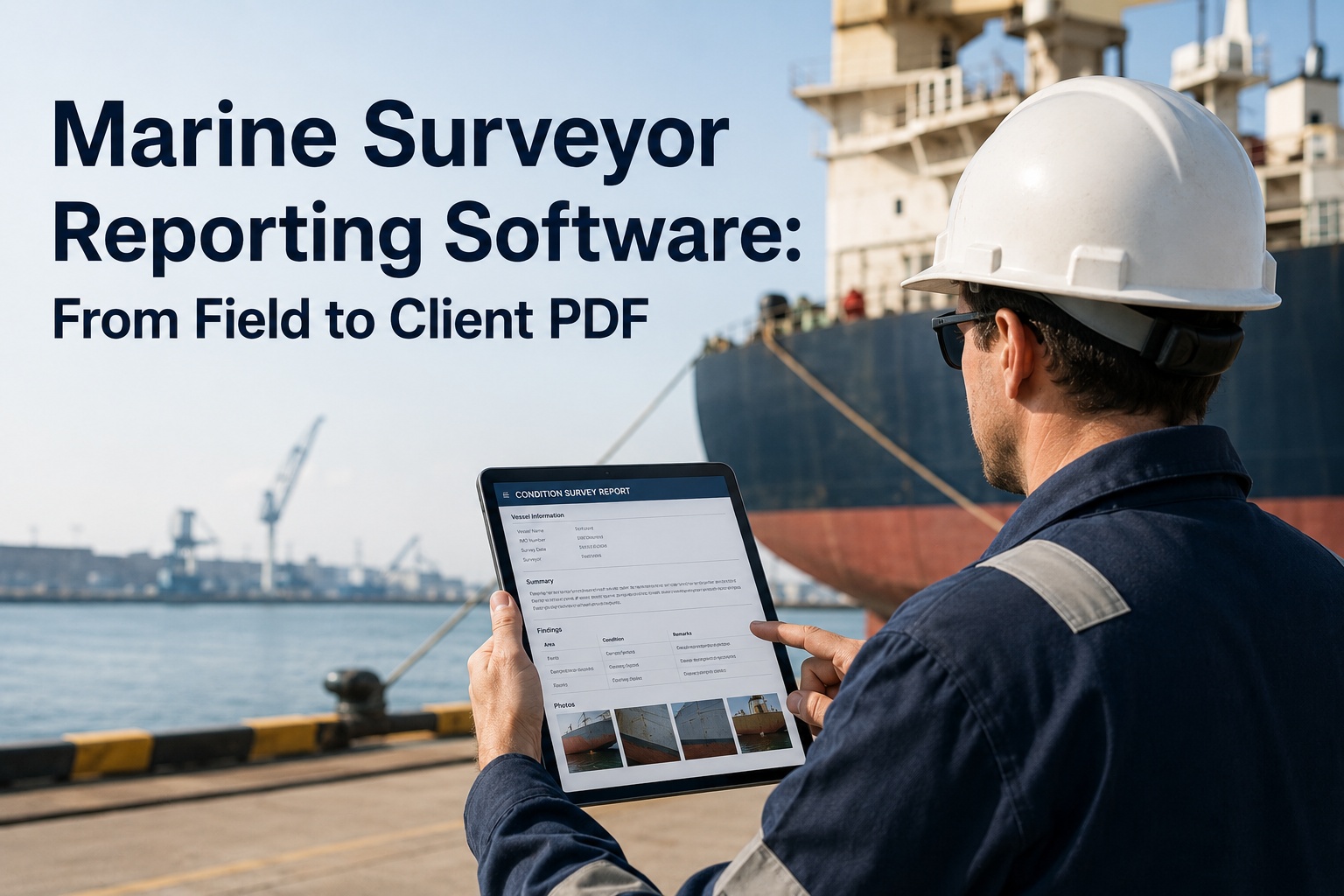
The inspection finished two hours ago. The findings are recorded, the photographs are on a phone, and the chief officer is now sitting in his cabin rebuilding all of it inside a Word template — retyping observations that already exist, inserting images one at a time, resizing them so the document does not run to forty pages, correcting the header, exporting to PDF and emailing it ashore. None of that work adds a single fact to the record. It is pure duplication, and duplication is precisely what seafarers identify as the largest source of their administrative burden. The scale is not trivial: survey work has found seafarers spending around a fifth of their working day on administrative tasks, with officers reporting hours lost to duplicated forms and shore staff giving up roughly a tenth of their own time to the same problem. That time comes out of rest, and administrative overload on senior officers is repeatedly identified as a factor preventing effective rest — which connects a formatting exercise to fatigue, and fatigue to a quarter or more of marine casualties. Automated report generation removes that step entirely. This page covers what actually gets rebuilt manually, what a generated report should contain, how one dataset produces different formats for different recipients, and where the capability belongs inside inspection software.
CAPABILITY GUIDE · REPORTING
Automated PDF Inspection Report Generation for Fleets
A formatted, photo-rich, signed report produced the moment the checklist closes — not rebuilt in a word processor afterwards, on someone's rest hours.
The usual wayInspect, then rebuild the whole report by hand after the watch
GeneratedClose the checklist and the finished PDF already exists
The Rebuild Nobody Accounts For
Manual reporting is rarely examined as a process, because each individual step looks reasonable. Laid out in sequence, the waste becomes obvious — every stage below handles information that was already captured during the inspection itself.
1Inspection carried out and findings noted, on paper or in an app
2Findings retyped into a word processor template
3Photographs transferred off the phone or camera
4Images inserted individually, resized, captioned and matched to the right finding from memory
5Formatting corrected — headers, numbering, page breaks, a table that will not behave
6Exported to PDF, attached to an email, sent ashore
7Reformatted again when a charterer or class surveyor wants it presented differently
Steps two through seven contain no new information. They are a transcription exercise, and transcription is where errors enter — a photograph attached to the wrong finding, an observation softened in the retyping, a detail lost between the tank and the cabin. The record that reaches shore is a reconstruction of the inspection rather than the inspection itself, which matters when that document is later relied upon. To see what disappears from this sequence when the report generates itself, arrange a short walkthrough or try it against one of your own reports.
What the Generated Report Should Contain
Automatic generation is only useful if the output is genuinely finished — something that can go to a superintendent, a charterer or a surveyor without anyone opening it to tidy up. That means the template has to carry more than a list of answers.
Vessel and inspection header
Vessel particulars, inspection type, date and location, and the personnel involved, populated from the record rather than typed each time.
Findings in structured order
Each checklist item with its result, observation and severity, grouped the way the recipient expects to read them rather than in capture order.
Photographs bound to findings
Images placed with the specific finding they evidence, sized and laid out automatically, with timestamps intact — not appended as an undifferentiated gallery at the back.
Defects and corrective actions
Open items listed with owner, deadline and current status, so the report doubles as the action list rather than requiring a separate one.
Signatures and attribution
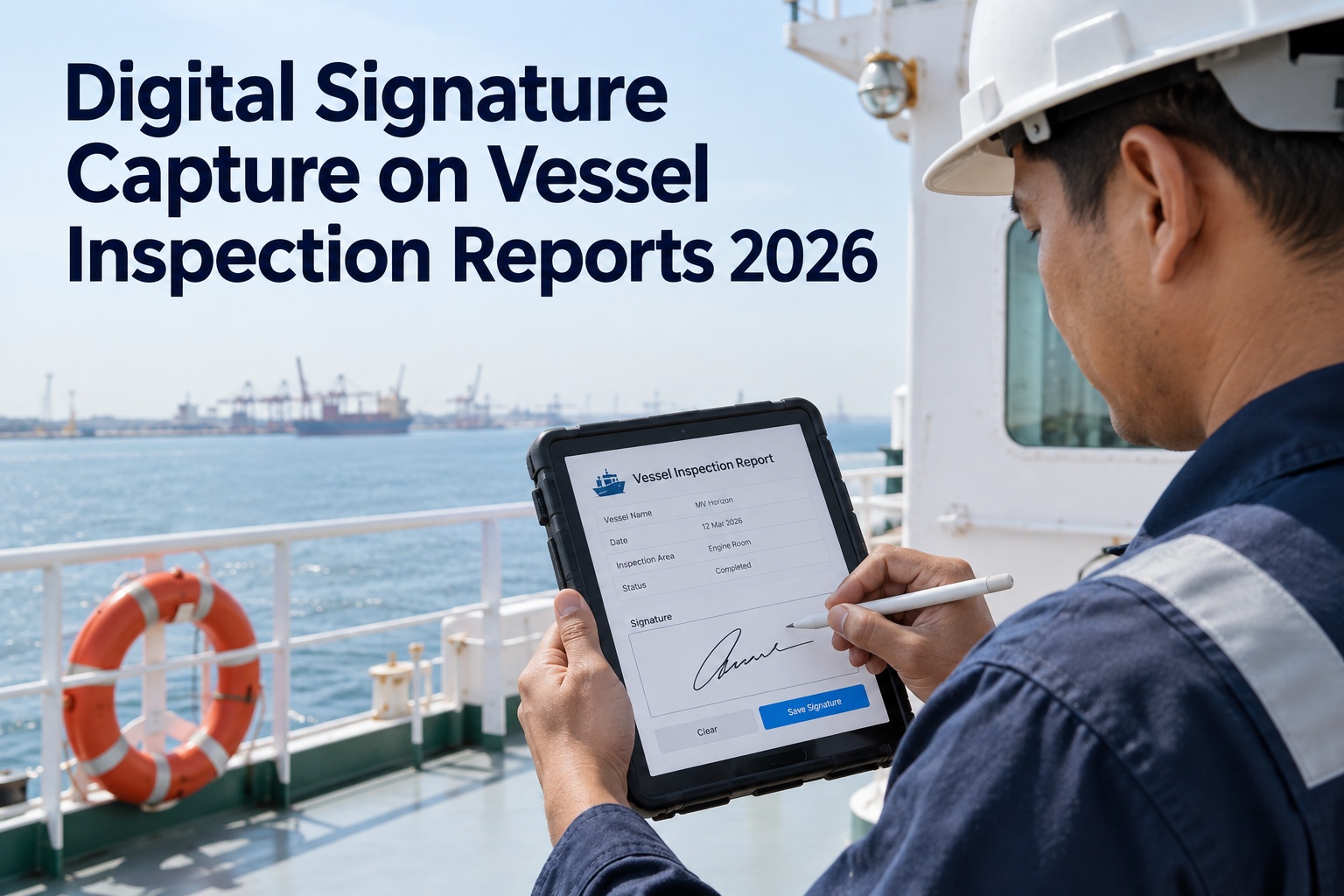
Sign-off by the responsible officers captured on device, with the record locked at signature so the document represents a fixed state.
Summary for the reader who will not read it all
Counts by severity, outstanding items and a clear statement of overall condition, at the front, because most recipients read the first page and the exceptions.
Bring your current report template to the conversation
The most useful session is one where we take a report your fleet actually issues, reproduce its layout, and generate it from a completed inspection while you watch. You will know within twenty minutes whether this removes the rebuild step for your vessels or not.
One Inspection, Several Audiences
A significant part of the reporting burden comes not from producing the first report but from producing the same information again in a different shape. Every country, port, agent and charterer tends to have its own requirements, and crews end up completing the same information repeatedly in different forms.
One completed inspection record
Owner or manager format
Full detail with all findings, photographs and open actions, in the company's own house layout.
Charterer or commercial
Condition summary and material findings, without internal commentary or items outside their interest.
Class or surveyor
Structured against the survey scope, with maintenance history and evidence of closure attached.
Inspection evidence pack
Retrievable on demand during a port state or vetting inspection, produced in seconds rather than assembled from files.
Claims or dispute file
Signed, timestamped and verifiable, in the form a third party can rely on without access to your system.
Generating each from the same underlying record removes both the duplication and a subtler risk — that manually produced variants diverge, so the version held by the charterer says something marginally different from the version in the company file. Where the same facts have been retyped four times, a discrepancy is close to inevitable, and a discrepancy between two reports of the same inspection is the kind of thing an opposing party enjoys finding. To map which output formats your fleet actually needs, book a scoping discussion or explore the output options in a trial.
The Time Argument, Properly Stated
This capability is usually sold on convenience, which undersells it. The honest case is about where the recovered time comes from and what that time is currently costing.
The burden is measured, not anecdotal
Survey work across large samples of seafarers has found around a fifth of the working day consumed by administrative tasks, with roughly a third of respondents considering that they spend too much time on paperwork. Shore-based administrative staff report similar pressure on a smaller proportion of their time. The identified root cause is unnecessary repetition of tasks and excessive handling of documentation — a precise description of manual report rebuilding.
It is taken from rest, not from the working day
Report writing happens after the inspection, which in practice means after the watch. Administrative overload on senior officers is consistently identified as a factor preventing effective rest, and formal port call submissions are frequently handled by the master personally. Recovered reporting time is therefore recovered rest, which is a different and more valuable thing than recovered working hours.
Fatigue is a safety and compliance exposure
Fatigue is associated with a substantial share of marine casualties, and rest-hour records are among the most commonly cited deficiencies in port state inspections. Anything that structurally reduces after-hours administrative load improves both the actual rest position and the credibility of the records that document it.
Stated that way, the return is not measured in minutes saved per report. It is measured in officer hours returned to rest and operations, in a reduction of the transcription errors that weaken records, and in reports that reach shore during the port call rather than the following day. Faster turnaround has its own operational value — a superintendent who sees findings while the vessel is still alongside can act on them, whereas the same findings arriving two days later are history.
Where Report Generation Belongs
Report generation is not a document tool bolted onto an inspection process. It is the output stage of a system that already holds the data, and its quality depends entirely on what sits upstream of it.
Downstream of structured capture
A report can only assemble itself if the inspection was captured as structured data — items, results, severities, photographs bound to findings — rather than as free text. Generation quality is decided at capture, not at export.
Fed by offline photo capture
The images belong in the report because they were taken against the finding during the inspection, in a tank with no signal. If photography happens on a separate device, the matching problem returns and with it the manual step.
Connected to the defect workflow
Open corrective actions appear in the report with their owners and deadlines because they live in the same system, so the report reflects current status rather than a snapshot someone updated by hand.
Locked by signature
The generated document is produced from a record fixed at sign-off, so what was issued and what was recorded cannot drift apart, and the exported file can be verified by a recipient.
Template-driven, not hard-coded
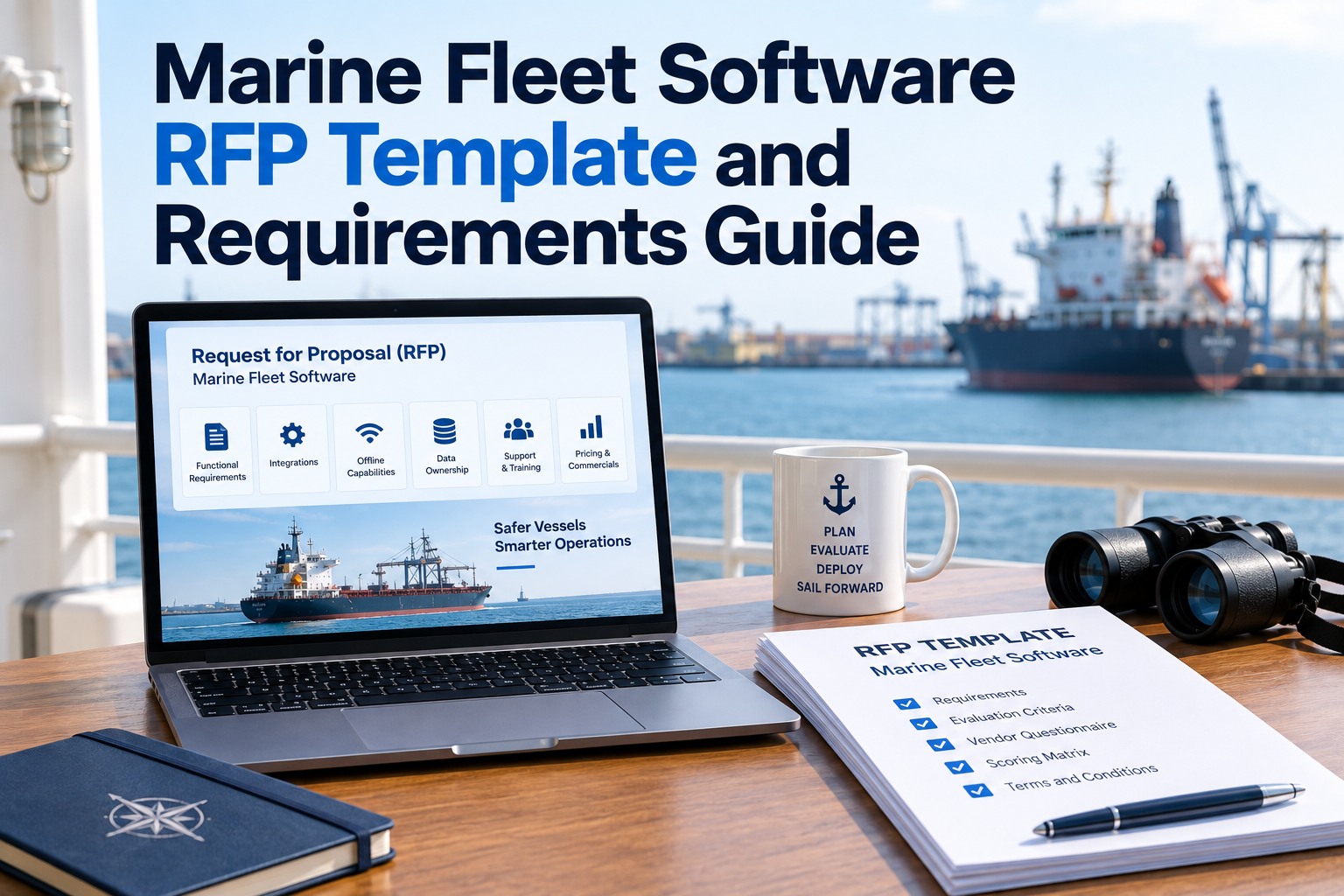
Fleets have house formats and recipients have expectations. The layout has to be configurable to your documents rather than forcing your documents to match the software.
Available fleet-wide from shore
The office should be able to produce any vessel's report without asking the ship for it, which is what turns reporting from a request-and-wait cycle into something immediate.
The first and last of those decide most of the value. Structured capture is what makes automatic assembly possible at all, and shore-side availability is what removes the request-and-wait loop that consumes attention on both ends. A system that generates beautiful reports but requires the vessel to send them has only relocated the problem. To see the full path from capture to issued document on your own workflow, request an end-to-end demonstration or run the whole loop in a free trial.
Frequently Asked Questions
01
How much time does manual report writing actually consume?
Surveys across large samples of seafarers have found administrative tasks consuming around a fifth of the working day, with roughly a third of respondents stating they spend too much time on paperwork and documentation, and shore-based administrative staff losing a meaningful proportion of their own time to the same activities. Officers specifically report hours lost to duplicated forms. The identified root cause is unnecessary repetition of tasks and excessive documentation handling, which describes manual report rebuilding precisely — every step after the inspection itself handles information that already exists. The figure that matters for any individual fleet is how long the rebuild takes per inspection multiplied by inspections per vessel per year across the fleet, which is usually a larger number than operators expect when they calculate it.
02
Why is this framed as a rest and fatigue issue rather than efficiency?
Because of when the work happens. Reports are written after the inspection, which in practice means after the watch, so the time comes out of rest rather than out of the working day. Administrative overload on senior officers is consistently identified as a factor preventing effective rest, and a substantial proportion of formal submissions are handled by the master personally. Fatigue is associated with a significant share of marine casualties, and rest-hour records are among the most frequently cited deficiencies in port state inspections — where inspectors compare the record against logbooks, watch schedules and port calls. Anything that structurally reduces after-hours administrative load therefore improves both the actual rest position and the credibility of the records documenting it, which is a stronger argument than time saved.
03
Can the generated report match our existing house format?
It needs to, and this is worth testing rather than assuming. Fleets have established document formats, and recipients — charterers, class surveyors, managers — have expectations about how information is presented. A generation engine that imposes its own fixed layout simply moves the problem, because someone will still reformat the output before it goes out. The layout should be template-driven and configurable to your documents, including the header, the ordering and grouping of findings, how photographs are placed relative to the items they evidence, and what appears in the summary. The practical way to evaluate this is to take a report your fleet currently issues, have it reproduced, and generate it from a completed inspection to compare against what you produce today.
04
How do photographs end up in the right place automatically?
By being captured against the finding rather than separately. When an inspector photographs a defect from within the app, at the point of inspection, the image is bound to that specific checklist item immediately, along with its timestamp. Generation then places it with the finding it evidences, sized and laid out by the template. The manual alternative — photographing on a phone or camera, transferring the files afterwards, and matching them to findings from memory — is where both the time and the errors concentrate, because a photograph attached to the wrong finding is worse than no photograph. This is also why offline capture matters: the images come from tanks, holds and engine rooms where there is no signal, so binding must happen locally rather than requiring a connection.
05
Can we produce different versions for different recipients?
That is one of the larger practical benefits, because much of the reporting burden comes from presenting the same information again in a different shape — every port, agent and charterer tending to have its own requirements. From one completed inspection record you should be able to generate the full internal version with all findings and open actions, a commercial version giving condition and material findings without internal commentary, a version structured against a survey scope with maintenance history attached, an evidence pack retrievable during an inspection, and a signed verifiable file for a claims or dispute context. Generating all of them from the same record also prevents manually produced variants from diverging, which matters because a discrepancy between two reports of the same inspection is exactly what an opposing party looks for.
06
What has to be true upstream for this to work?
Generation quality is decided at capture rather than at export. The inspection must be captured as structured data — items, results, severities, observations and photographs bound to specific findings — because a report cannot assemble itself from free text. Photography must happen within the inspection and offline, so images are already associated with findings. Corrective actions need to live in the same system so open items appear with current owners and deadlines rather than a hand-updated snapshot. Sign-off should lock the record so the issued document and the stored record cannot drift apart. And the office should be able to generate any vessel's report from shore without asking the ship, since a system that produces excellent reports but still requires the vessel to send them has only relocated the original problem.
Close the Checklist, the Report Already Exists
Everything after the inspection itself is transcription — retyping findings, matching photographs from memory, fighting a template, then doing it again in a different shape for someone else. None of it adds a fact, all of it introduces error, and it happens on the rest hours of the people you least want tired. Marine Inspection generates the finished, formatted, photo-rich and signed document the moment the checklist closes, in your own house format, available from shore without asking the ship. Put your current template in front of us and see it reproduced.